
Screenshots
About this app
Overview
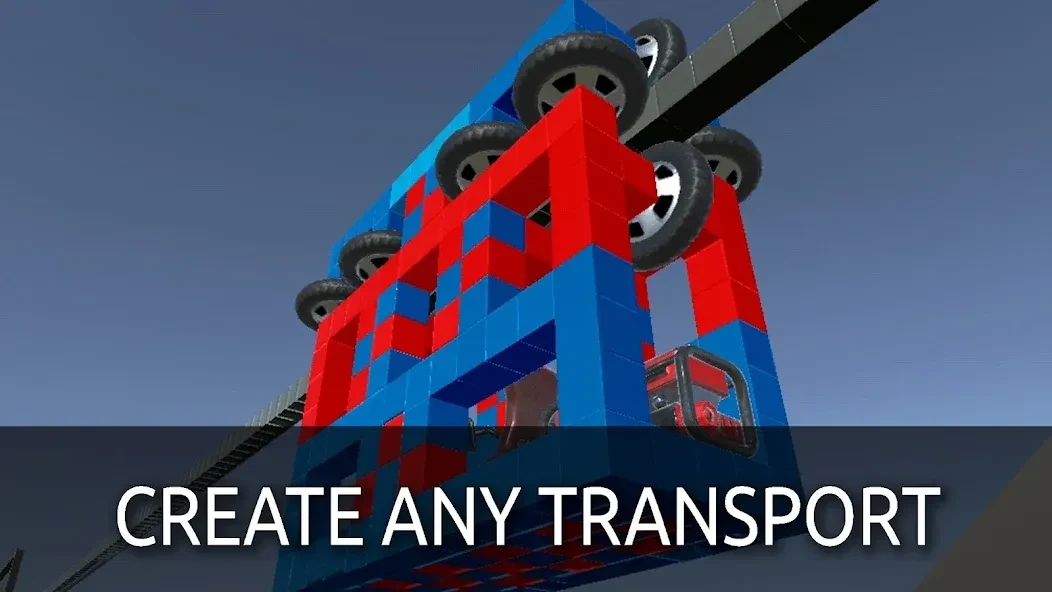
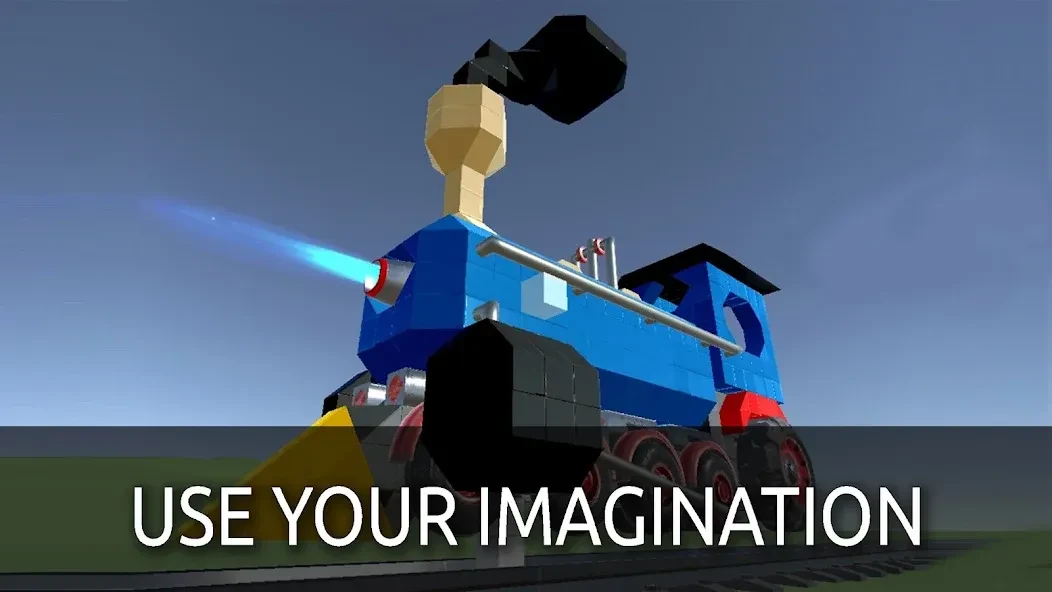
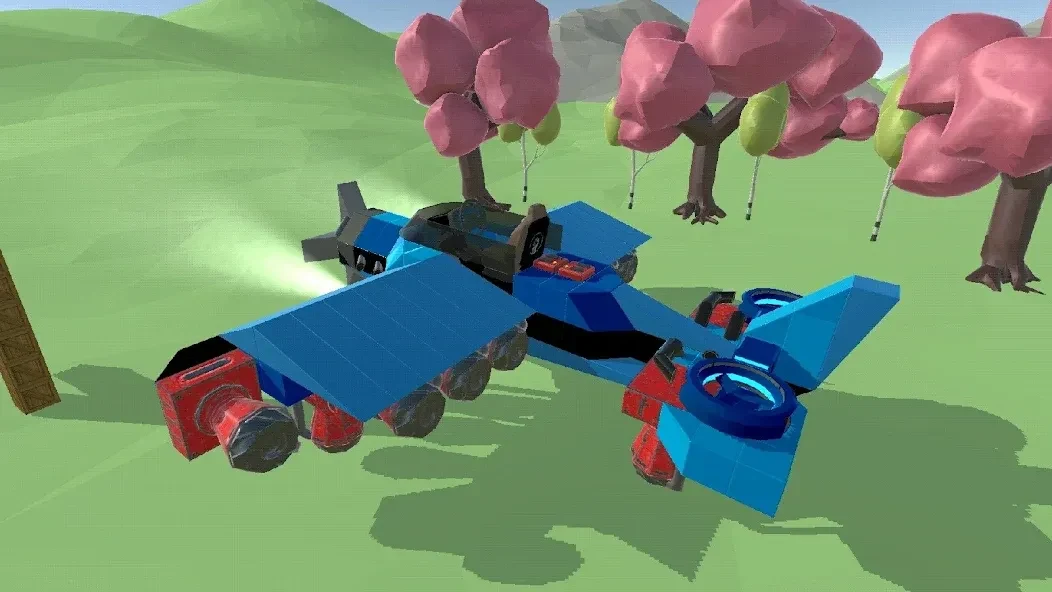
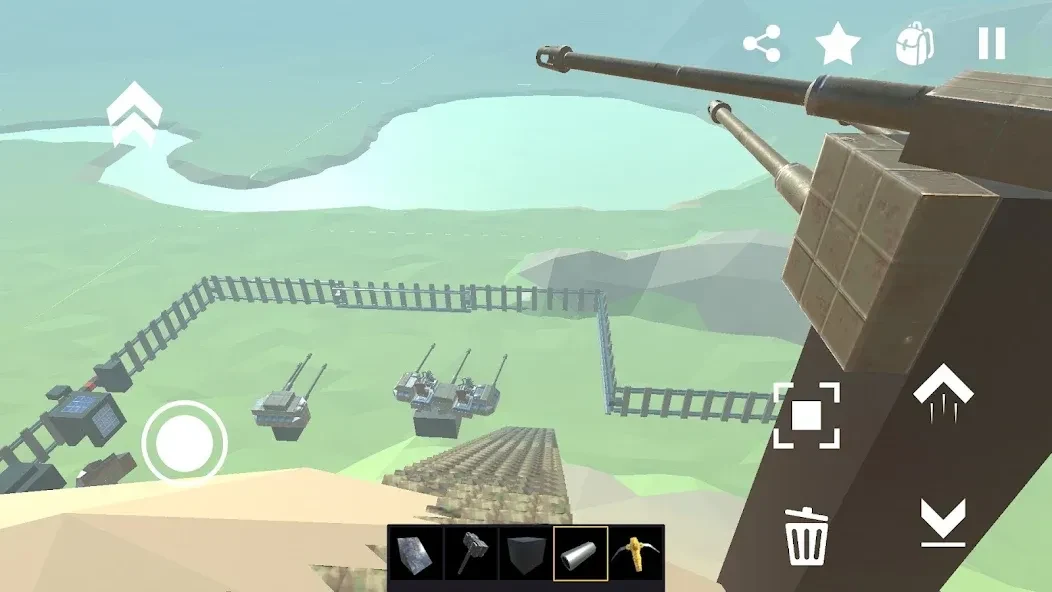
Evertech Sandbox is a construction simulation game for Android devices that turns mechanical building into an open-ended creative process. Players combine engines, wheels, thrusters, pushers, and connecting elements to make working vehicles and machines. The game uses a physics engine so balance, weight, movement, and structural integrity affect how creations behave during testing. You can build cars, trains, elevators, planes, tanks, or walking robots, then save your designs to a personal library and share them with others. Evertech Sandbox supports Android 5.0 and later and also includes multiplayer interaction for shared building and testing.
What You Can Do
⭐ Assemble vehicles from a large inventory of mechanical parts, including engines, wheels, thrusters, pushers, and specialized connecting elements.
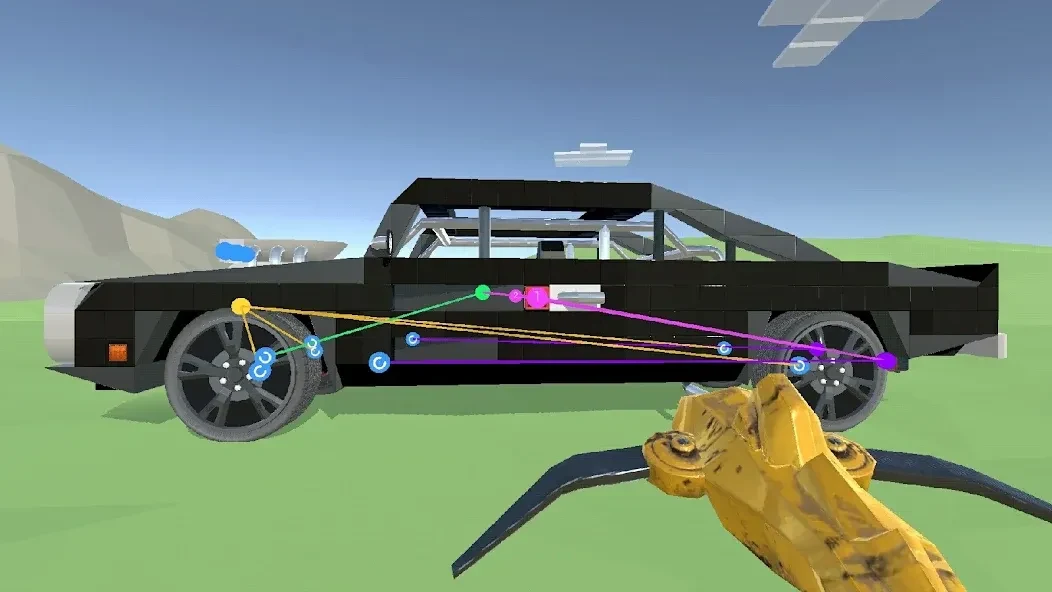
⭐ Use connection tools to link components together and create the logic needed for movement. Engines can be connected to wheels and controls so a machine responds to player input.
⭐ Experiment with different kinds of creations. The open-ended building system supports vehicles and structures such as cars, trains, elevators, planes, tanks, and walking robots.
⭐ Build with drag-and-drop tools and customize the appearance of parts using the paint tool. Color coding can also help distinguish controls such as steering and drive.
⭐ Save completed machines in your personal library, name the files, and share creations with other players for feedback or collaborative use.
⭐ Explore a broad sandbox environment while testing how vehicles and structures respond to the game's physics. Multiplayer sessions allow players to construct and test machines together.
Using the App
A practical way to begin is to open a new world and choose a flat area with enough room for construction. Start with a simple chassis, then add wheels, an engine, and a seat while keeping the weight balanced. After placing the parts, select the connection tool to link the engine with the wheels and seat controls, checking that the left and right wheels receive the intended inputs.
Engine settings let you adjust power and rotation direction before testing the vehicle. If the machine wobbles, lacks power, or behaves unexpectedly, you can return to the quick access panel and replace or reposition parts. The physics-based approach makes trial and adjustment an important part of building. Once the result works as intended, save it clearly in the library and share it if you want other players to examine or test it.
Why It May Appeal
✅ The combination of mechanical parts and connection tools supports more varied machines than a simple decorative building system.
✅ Physics gives construction a practical purpose: balance, weight, structure, and power all matter when a vehicle is tested.
✅ The game offers both solo experimentation and collaborative multiplayer building in shared physics sessions.
✅ Saved creations provide a way to build a personal collection instead of starting from scratch each time.
Things to Consider
❎ Beginners may need time to understand joints, engines, balance, and control connections because machines follow physics-based behavior.
❎ Parts can sometimes break apart or connect inconsistently, while wheel behavior and controls may require refinement during testing.
❎ Simple builds are more suitable for weaker phones; large and complex machines may cause lag or performance drops on low-end devices.
Version history
View all10 Sep 2026 · stable
Frequently asked questions
What is Evertech Sandbox used for?
It is used to build and test physics-based machines, vehicles, and mechanical systems in a mobile sandbox environment.
Does Evertech Sandbox support multiplayer building?
Yes. The game includes multiplayer interaction for constructing and testing machines together in shared physics sessions.
Is Evertech Sandbox suitable for beginners?
Yes, although new players should expect a learning curve when working with joints, engines, balance, and machine controls.
Can low-end Android phones run Evertech Sandbox smoothly?
Simple builds may run acceptably, but large or complex machines can cause lag or performance drops on weaker devices.
What Android version is required?
Evertech Sandbox requires Android 5.0 or later.