
Screenshots
About this app
Proton Bus Simulator Road is an open-world driving simulation in which you operate buses between cities and manage the tasks of a road driver. Journeys involve following routes, picking up and dropping off passengers, and handling paved or dirt roads in changing weather. A continuous map loads as you travel, supporting longer drives without repeated loading screens. Alongside driving, you can earn money from fares, buy more vehicles, and build a bus company, while mods and customization let you shape buses and routes to your preferences.
What does a typical bus route involve?
The game puts you in the driver’s seat for trips that can involve passenger boarding, drop-offs, and driving through different road conditions. Rain can affect a journey, and routes may include both paved and dirt roads. The emphasis is on carrying out a shift rather than simply taking a short drive: you follow a route, keep track of stops, and manage the bus as you travel.
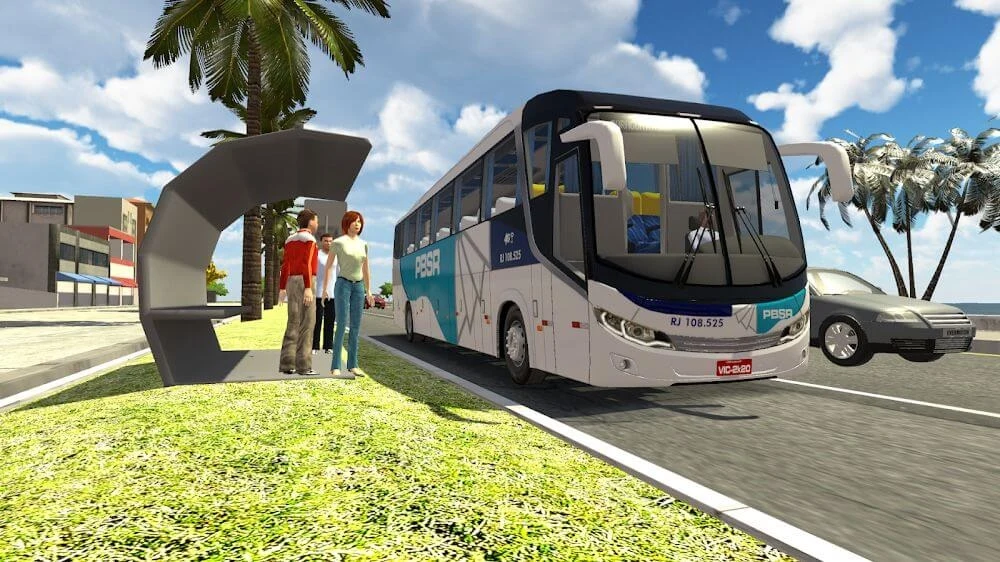
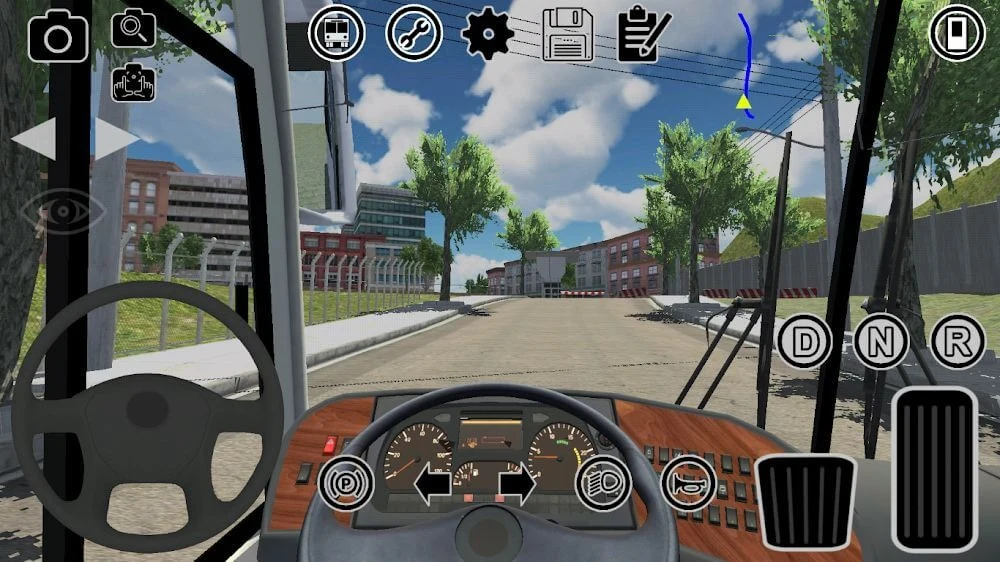
A first-person view lets you observe the route from the driver’s seat. On-screen controls include a steering wheel and virtual buttons. The map shows stops and route information, and the game can indicate how many passengers are expected to board on a coming trip. These details help you follow the service and plan where to pick up passengers, including at places such as bus stations or an airport.
How do routes, maps, and weather shape the drive?
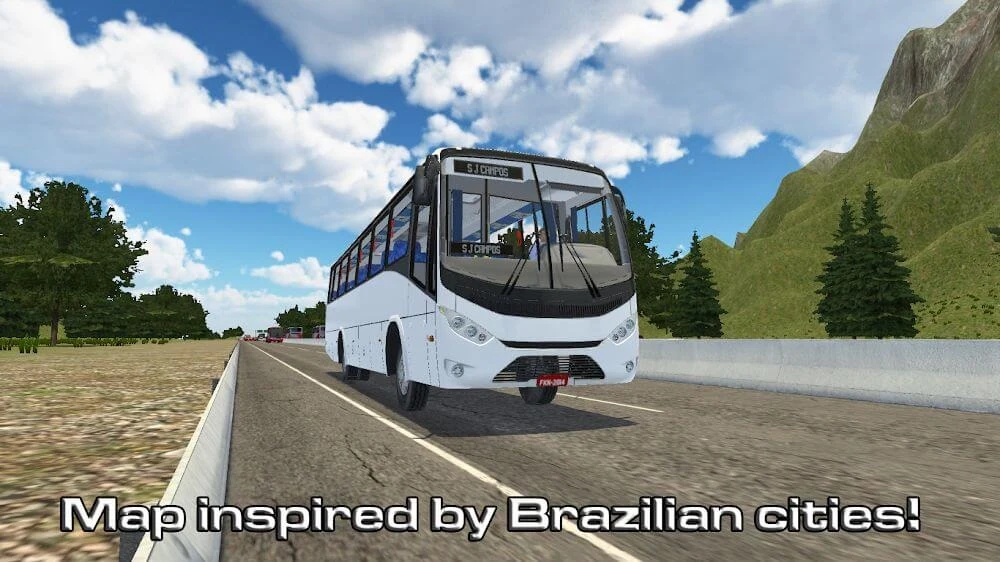
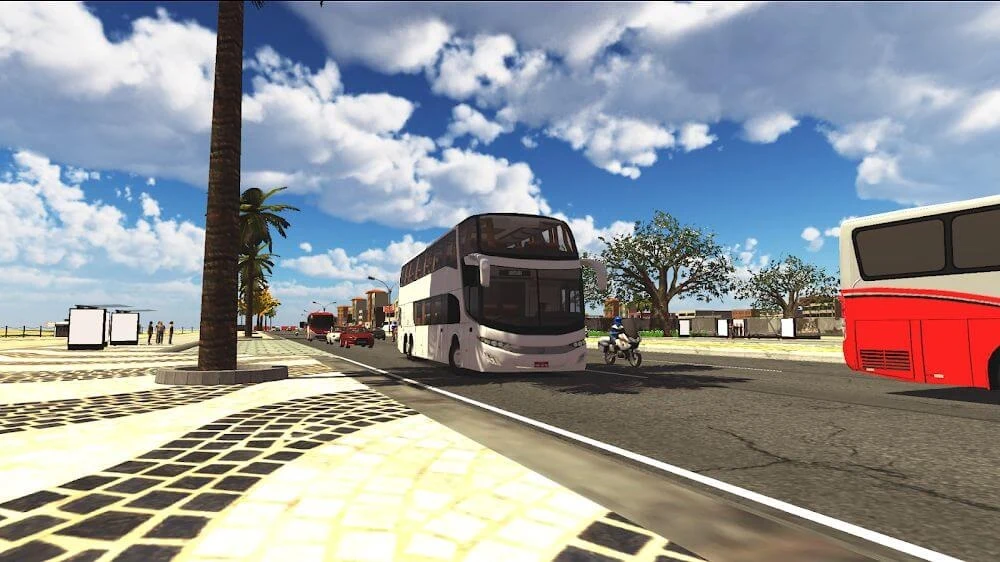
The game world uses a continuous map that loads as you move from one area to another. This keeps a long route connected without repeated loading screens interrupting the trip. Detailed roads and city streetscapes provide the setting for travel between places, while route information and stops are presented on a citywide map.
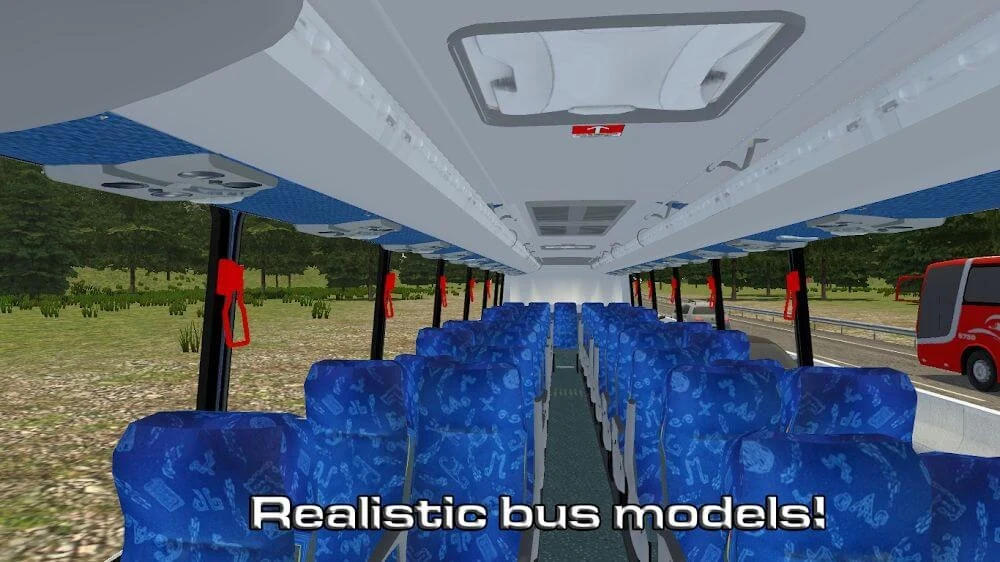
Weather conditions can vary, including rain, adding another factor to driving. The bus models include rain effects and working wipers, as well as opening windows and moving doors. Routes can involve curves and uneven or dirt roads, so the driving task is not limited to straight, paved stretches. The available source describes city-to-city travel and varied conditions, but does not specify a fixed route length or a particular journey schedule.
Can you build a company or expand your bus collection?
Driving is connected to a business progression system: fares provide money that can go toward buying additional buses and developing a transport company. The game presents different bus models, and vehicles become available through progression and challenges. This gives players a longer-term goal beyond completing an individual trip, with the possibility of growing a fleet as they earn and unlock more vehicles.
Passenger work remains part of that progression. You can use route and stop information to make pickups, while the game identifies expected passenger numbers for an upcoming trip. Basic vehicle upkeep, such as refueling, is also described as part of the longer-haul driving routine. The source does not provide a full breakdown of costs or explain the exact requirements for unlocking each bus, so those details may depend on the in-game progression.
What can you customize or add with mods?
Customization covers both appearance and route content. You can change bus colors and skins, adjust route signs, and apply custom skins to buses used in traffic as well as the vehicles you drive. These options let you give a fleet or surrounding traffic its own colors or branding. The game also supports bus mods and custom maps, which can add vehicles and routes beyond the default content.
Mod support also includes the option to create mini-games and publish them to the community. That makes the creation tools relevant to players who want to do more than drive the supplied routes: they can adapt content and share what they make. The available description does not detail how mods are installed or what requirements apply to individual community creations.
Can the graphics be adjusted for different devices?
The game offers graphics settings that let you balance visual quality against performance. If a device can handle it, you can raise visual quality; if you need to reduce the workload, you can lower the resolution scale, including to 75 or 50, disable anti-aliasing, turn off reflections on bus bodywork, or reduce visibility distance. These controls provide several ways to adjust rendering rather than relying on a single preset.
The playable bus models are described as designed with Android performance in mind and include details such as animated doors and rain effects. One noted visual limitation is that AI-controlled traffic vehicles may look less refined than the main buses. Overall, the game may suit players interested in longer bus routes, passenger management, and vehicle or map customization, especially those who want graphics options and a progression goal alongside the driving.
Version history
View all19 Aug 2026 · stable