
Screenshots
About this app
Card-clearing rules
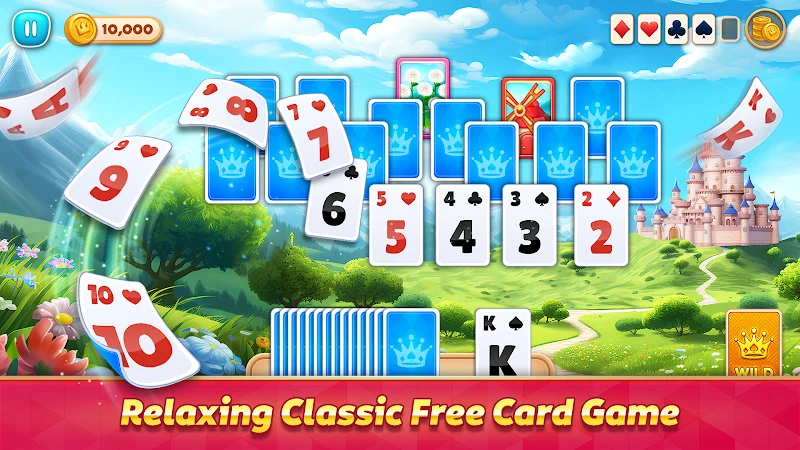
Royal TriPeaks Solitaire Fun is a solitaire puzzle game built around clearing card layouts. Play a card from the layout when its rank is one higher or one lower than the open card, moving it to the discard pile. If no card is playable, draw a new card from the deck and continue. The game introduces these basic moves in a tutorial, and its touch controls let players tap a card to select it.
Choosing which card to play affects which cards become available next, so the central task is to plan through the visible layout rather than rely on quick reactions. Some levels add blocked stacks or limits on moves, making the order of plays more important. Boosters can help on difficult boards; examples in the description include clearing a card and revealing one.
Levels and daily objectives
Levels are arranged in chapters, with different board layouts and a gradual increase in difficulty. Earlier stages introduce the solitaire rules with simpler layouts, while later ones add obstacles and tighter constraints. Alongside these fixed level goals, rotating daily objectives offer tasks that change from day to day, and daily bonuses provide another reason to return.
Completed levels can be replayed to improve scores or collect additional coins. This gives players a way to revisit card layouts while progressing through the chapters. The description also mentions streaks and bonus achievements as sources of coins, in addition to completing levels.
Coins and room decoration
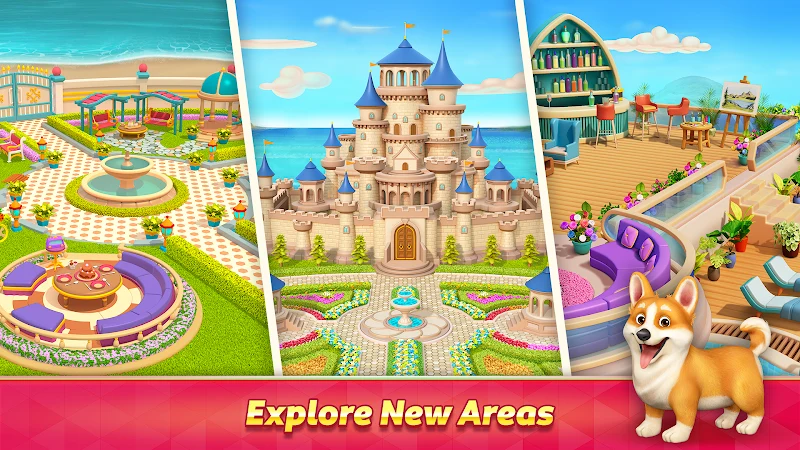
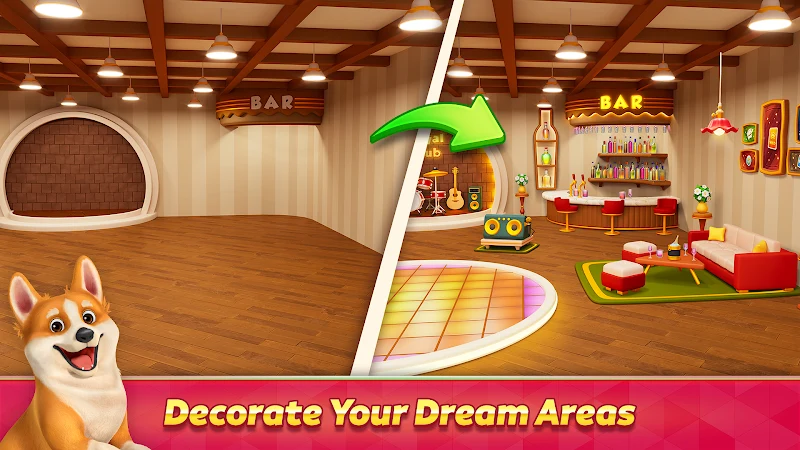
Coins connect card play to the game's home-design progression. Use them to unlock furniture and decorative items, then furnish several rooms as items become available. Decoration includes choices such as color schemes, textiles, and accents, so the room layouts provide a separate progression goal alongside clearing cards.
Boosters offer optional assistance on boards where moves are constrained. The description presents them as a way to support play rather than a requirement for completing levels. It also mentions optional offers connected with accelerating customization, but does not specify their contents or prices.
Controls and presentation
Play centers on tapping cards and drawing from the deck when needed. The source also describes on-screen controls for deck actions and booster use, with an undo option. A long press can preview moves, and the tutorial can be replayed for a refresher. These controls support the same basic loop: inspect the open card, choose a matching rank from the layout, and decide when to draw or use assistance.
The card designs and backgrounds are described as keeping the layouts readable, with room décor providing a visual contrast to the card puzzles. The game combines these two activities within its chapter-based progression: clear layouts to earn coins and advance, then use decorative items to develop the rooms.
Version history
View all04 Aug 2026 · stable