
Screenshots
About this app
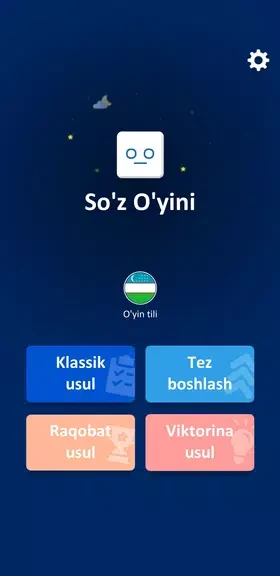
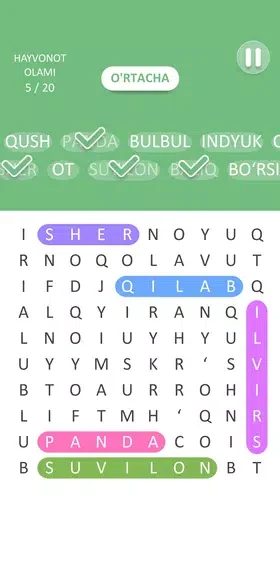
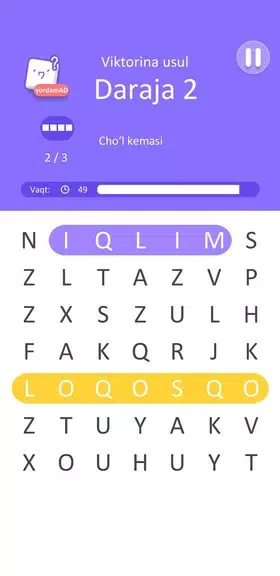
SO'Z O'YINI is a word-search game in which you connect adjacent letters on a grid to uncover words from themed categories. Each level displays its target words, giving you a reference for what remains to be found as you work through the puzzle.
Which topics can you search through?
The topic packs cover animals, food-related vocabulary, state and city names, boys' and girls' names, literature, economy, and Islam. Each pack contains multiple levels, organizing the puzzles around a particular subject rather than mixing every category into a single sequence. You can choose themes that match the vocabulary you want to explore.
How do you select words on the grid?
The main control is a sliding gesture: drag your finger across adjacent letter squares to form a word, then lift it to submit your selection. Words can extend in multiple directions across the grid. Single-tap selection is also supported as an alternative to dragging. Visual feedback marks selections, while color coding distinguishes found words from the remaining letters. A hint system provides assistance during puzzles.
How does progression change the puzzles?
Levels are grouped by topic and become more demanding as you advance. Early puzzles use compact grids and short, familiar words; later stages introduce larger grids and less common vocabulary. Some puzzles also contain a higher density of words, adding more entries to locate within the letter arrangement.
The game records completed levels and allows you to return to earlier puzzles. Revisiting a topic pack provides another opportunity to work with the same subject matter or repeat a puzzle with attention to completion time or accuracy.
Can you play without an internet connection?
The puzzles are stored locally, so you can play offline without a network connection. The level structure supports working through individual puzzles or continuing across several stages in one session.
What display and sound settings are available?
The interface uses a simple grid layout, large touch areas, and legible fonts. Options include enlarging text and increasing grid contrast. You can also mute sounds and switch language labels where that option is available. These settings adjust the presentation without changing the central task of finding the listed words.
How can you report a puzzle error?
An in-app feedback option lets you report errors or missing words. This provides a way to flag a problem in a level to the developer; the source does not specify a response or correction timeframe.
Version history
View all06 Aug 2026 · stable
Frequently asked questions
Who develops SO'Z O'YINI?
The listed developer is UzProg.
Which version is listed?
The supplied version is 1.7.