
Screenshots
About this app
AetherSX2 PS2 Emulator helps Android users run PlayStation 2 games, with options to adjust graphics and performance when a title or device needs different settings. It supports importing CHD game files, a compressed format intended to take up less storage without changing how a game runs. A quick-start option can skip lengthy introductory animations, while settings can be tailored to individual games. Together, these tools give players ways to manage a game library and adapt controls or performance rather than relying on one configuration for every title.
Game files and per-title setup
The emulator supports CHD files, which are smaller versions of PS2 game files. Using this format can make it possible to keep more games on a device, depending on available storage. The source describes a quick-start option that bypasses lengthy intro animations and starts a game directly. For titles that need different adjustments, users can press and hold a game in the listing to change settings for that title. This separates individual tweaks from the general setup, so a change made for one game does not have to become the default for the rest of the library.
The app also offers a BIOS settings area under Settings and System. The supplied setup instructions say to open BIOS Settings, choose the directory containing the BIOS file, and confirm the selection. A BIOS file is required according to the source; it does not come with additional instructions for obtaining one. Users should consider the rules that apply to their own game and BIOS files before sourcing or using them.
Graphics options and visual adjustments
Several graphics controls address how textures appear during play. Mipmapping selects texture versions according to their distance, which can reduce flickering or shimmering on faraway surfaces and limit sudden texture changes. Trilinear filtering smooths transitions between textures shown at different sizes or distances. These options alter rendering, so their practical effect can depend on the game and device rather than being identical in every situation.
The renderer can also be switched between OpenGL and Vulkan. The supplied guidance notes that Vulkan may be faster but is not necessarily the better choice for every game. Other settings mentioned for experimentation include GPU Palette Conversion, Preload Textures, and Disable Hardware Readbacks. These provide additional ways to adjust graphics behavior, but the source does not specify a universally recommended combination. A per-game configuration is useful when one title benefits from settings that are unsuitable for another.
Performance and audio controls
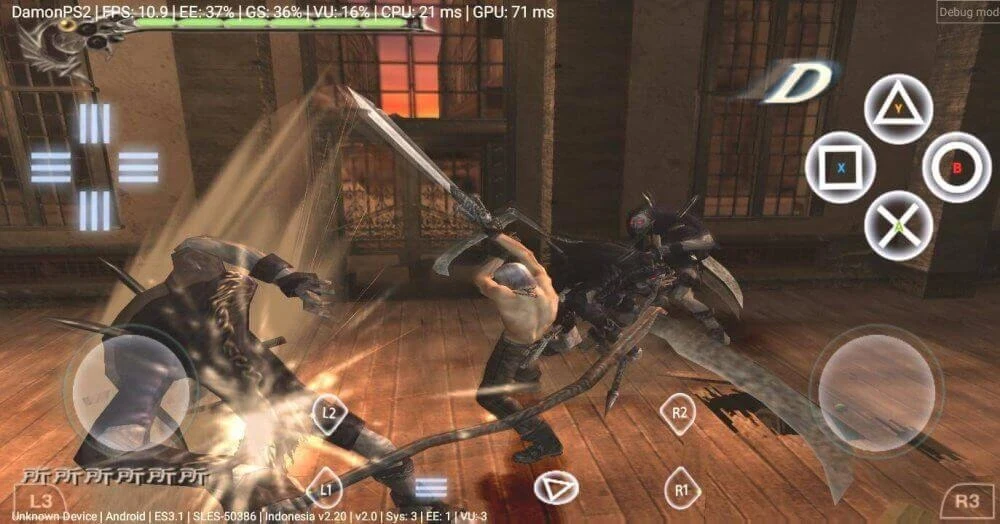
Frame-rate and performance settings can be changed to suit a particular game or device. For slower phones, the source suggests trying a lower emulated CPU clock through EE Cycle Rate and EE Cycle Skip in App Settings under System. It also mentions Multi-Threaded VU1 as a possible speed adjustment, with an important hardware caveat: the guidance says it requires at least three big CPU cores and may slow performance on a phone with only two. These are options to test, not guarantees of smoother play.
Audio settings are intended to be adjusted to a device’s capabilities, and the app provides audio-delay techniques that users can try. The source does not identify one setting as best for all devices. A phone’s own performance mode may also affect gameplay, but it can use more battery and raise temperature; increased heat may lead to throttling. The source cautions that the default power mode may suit longer sessions better. Results can vary across games and hardware, so the available adjustments involve balancing performance, heat, and battery use.
Controls and supported play
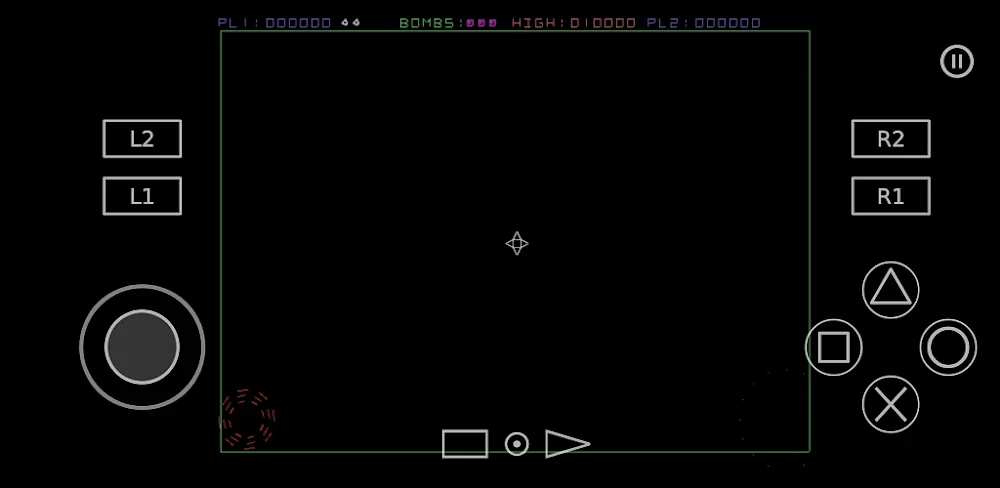
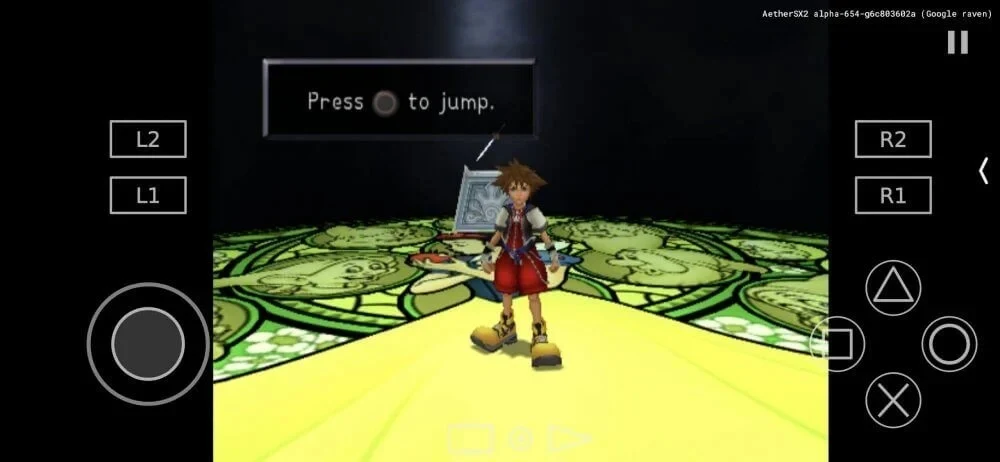
AetherSX2 PS2 Emulator supports touchscreen play and configurable gamepad controls. Players can choose between on-screen input and a connected gamepad, then set up the controls for a mobile playing style. The app is described as an Android PS2 emulator, rather than a general-purpose PlayStation emulator; the source notes that it does not play some PS1 games. Its suitability therefore depends on the intended game as well as the Android device. Although the source describes compatibility across many Android devices and PS2 titles, it also acknowledges that performance can differ from one game to another.
Version history
View all30 May 2026 · stable
Frequently asked questions
Does AetherSX2 PS2 Emulator support CHD files?
Yes. The source says the emulator can import CHD-format PS2 game files, which are smaller versions intended to reduce storage use without affecting how the game runs.
Can settings be changed for just one game?
Yes. Press and hold a game in the listing to adjust settings for that title, which can be useful when it needs different options from the rest of the library.
Can I use a gamepad or touchscreen controls?
The source describes configurable gamepad controls as well as touchscreen play.
Does it require a BIOS file?
The supplied instructions say a BIOS file is required. To select one, open Settings, go to System and then BIOS Settings, choose the directory containing the file, and confirm.