
Screenshots
About this app
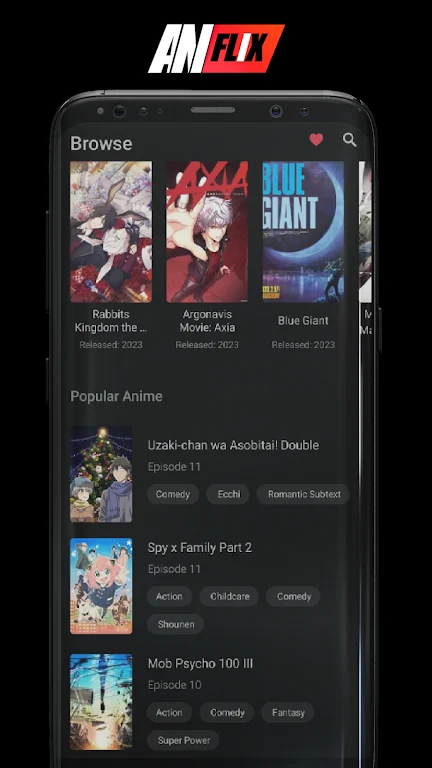
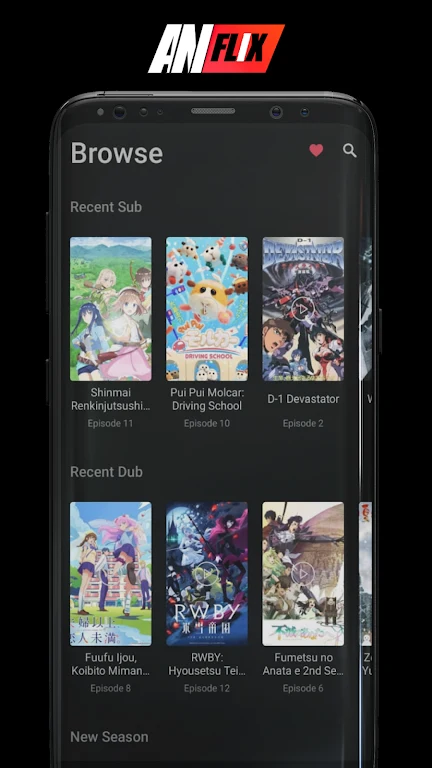
AniFlix is an anime streaming app built around short, fast-paced episodes and a vertical screen layout for mobile viewing. It addresses the task of finding and watching anime by combining a browsable catalog with online playback, show information, and tools for keeping track of what you watch. The catalog includes featured recommendations, popular titles, and recent releases, while updates are described as bringing in new episodes, seasons, and chapters. High-definition playback is supported, though availability can vary by region and source.
How can you find a series to watch?
The homepage brings together featured recommendations, popular shows, and recent releases. You can search by title or genre, or browse the paginated “All Anime” list. Filters and tags help narrow results by genre and theme, which is useful when you have a particular kind of anime in mind but not a specific title.
What information is available before you start an episode?
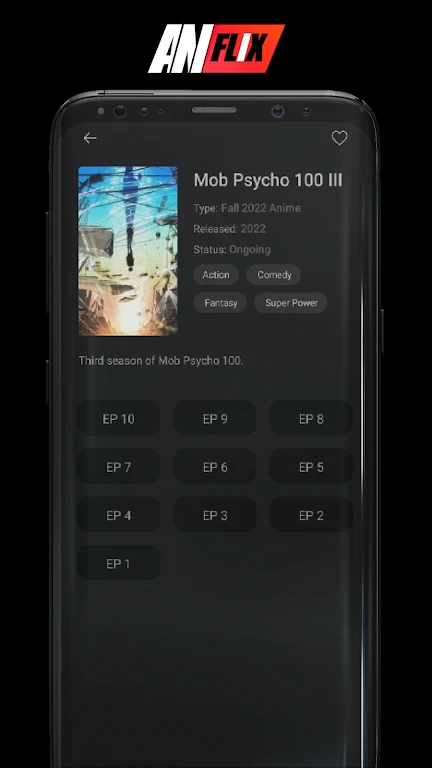
Each show page can provide a synopsis, genre tags, an age rating, and a list of shows. An IMDb rating is shown when available, but some titles may not have ratings or other metadata. The synopsis and tags offer additional context, and the “Details” option provides more information before you choose “Watch Now.”
Can AniFlix remember what you were watching?
“Continue Watching” lets you resume from your previous playback position, including where you left off within an episode or between chapters. “My List” lets you save or remove shows and create a playback queue, so titles you want to return to are easier to find.
What should you know about playback and episode format?
The app focuses on online playback rather than offline downloads. A stable network connection is noted as important for smooth viewing; if playback is choppy, the listing suggests trying again later. Videos may not be available in every region or from every source, so access to a particular title is not guaranteed.
The short-episode format and vertical design are intended for mobile viewing, while catalog search and saved shows support browsing and keeping track of anime. AniFlix may suit viewers looking for those features, provided they are comfortable streaming online and understand that title availability and some show details can vary.
Version history
View all02 Jun 2026 · stable
Frequently asked questions
What Android version does AniFlix require?
The supplied app information lists Android 4.4 or higher as the system requirement.
How much storage space does the listing recommend?
It lists a 42.0 MB installation package and recommends reserving an additional 100–500 MB for updates and cache management.