
Screenshots
About this app
atvTools is a phone-based utility for managing Android TV and Google TV devices. It brings together tasks that would otherwise involve navigating menus on the television, such as installing apps, transferring files, adjusting app permissions, and checking system activity. Remote and mouse controls, plus the ability to paste text from the phone, can make tasks like searching or entering passwords easier. The app also provides tools for viewing resource use and managing running processes, so it may suit people who want to handle routine TV maintenance from a mobile device.
How does atvTools connect to a TV?
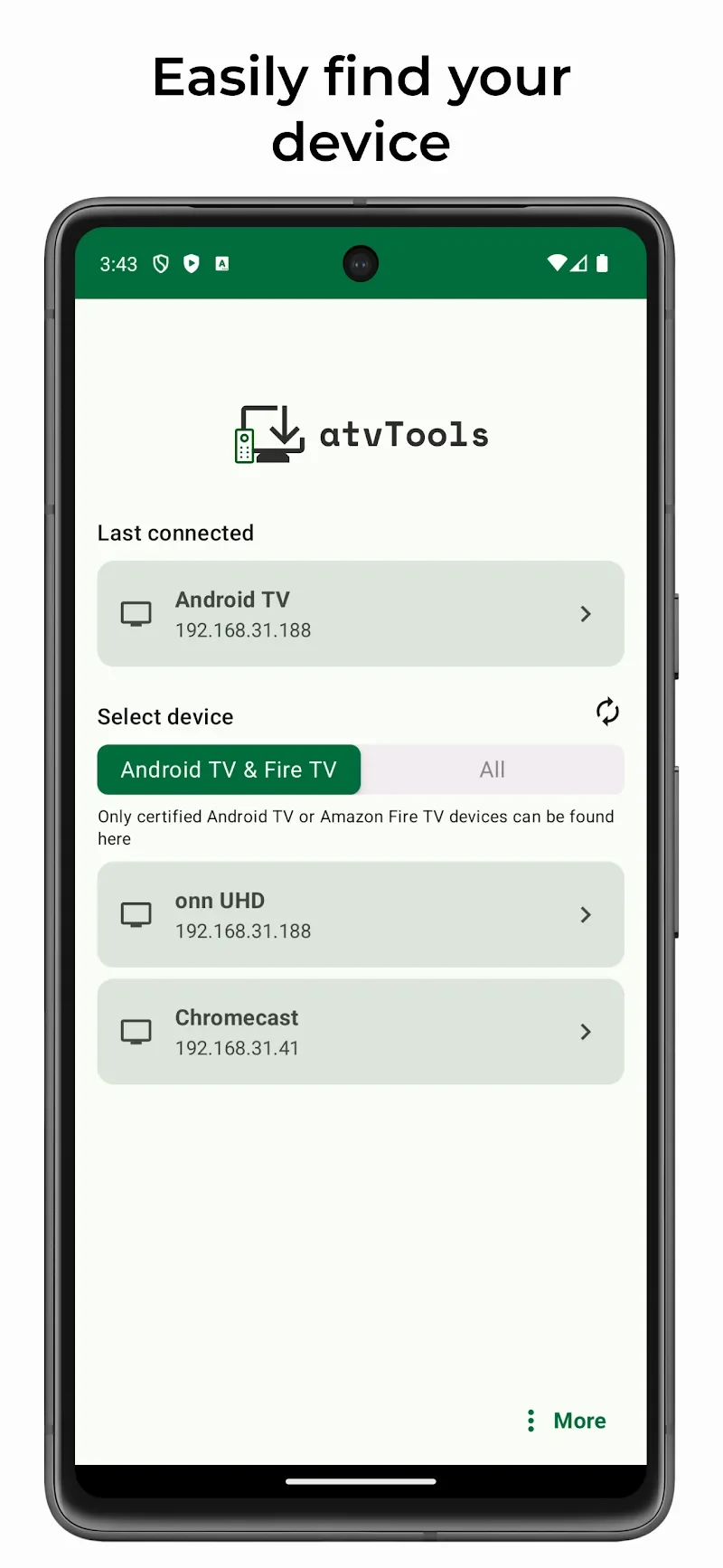
Before using its management tools, enable developer options on the TV and turn on USB debugging or network debugging, as appropriate for the connection. The phone and TV can connect over the same network, or by USB for a wired connection. Open atvTools on the phone, follow its prompts to detect the TV, and grant the permissions needed for the connection.
The source suggests confirming a successful connection by installing an APK or pushing a file. Wireless debugging may require attention after a device restart: a user comment reports needing to enable it again on a Chromecast after reboot. This is an individual report, but it is a relevant consideration for anyone relying on a persistent wireless connection.
What app and file tasks can you manage?
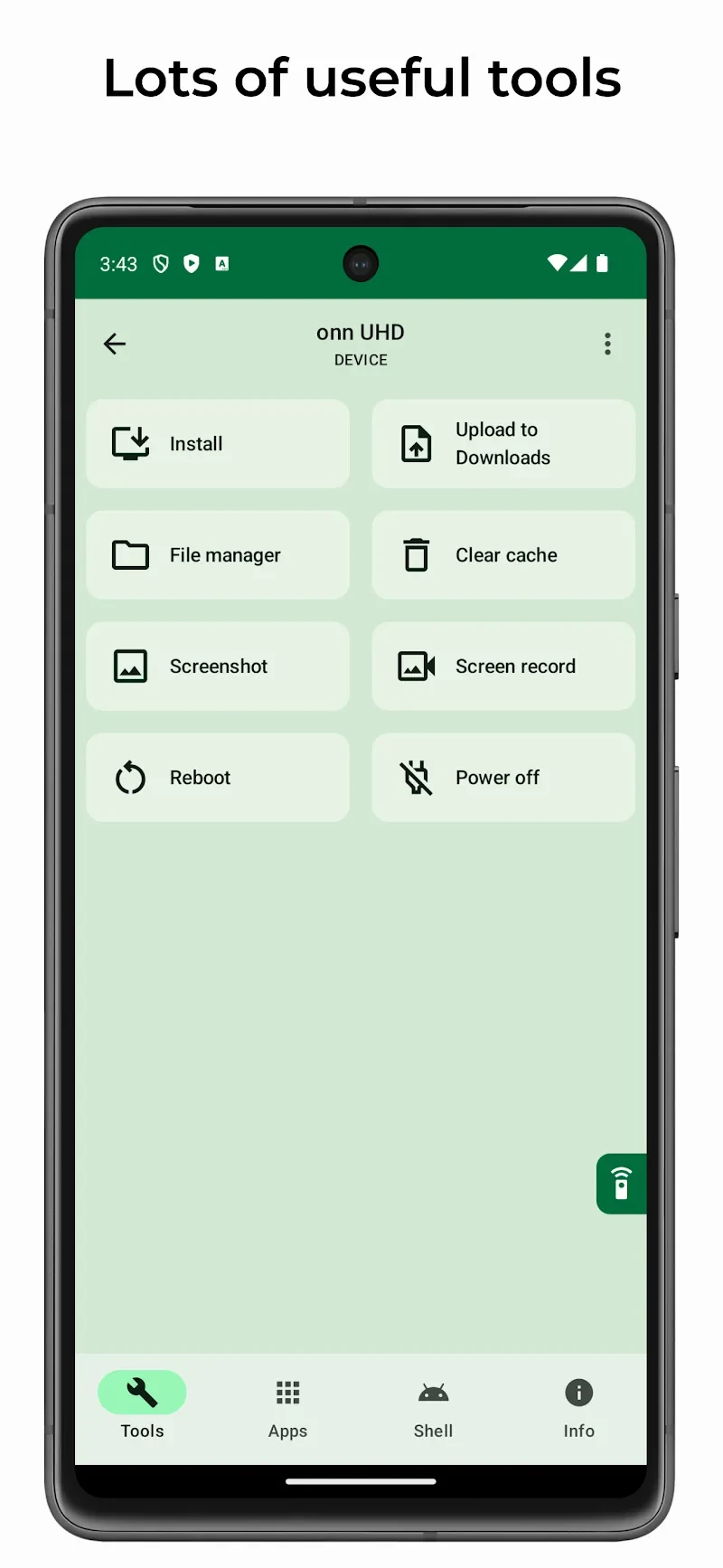
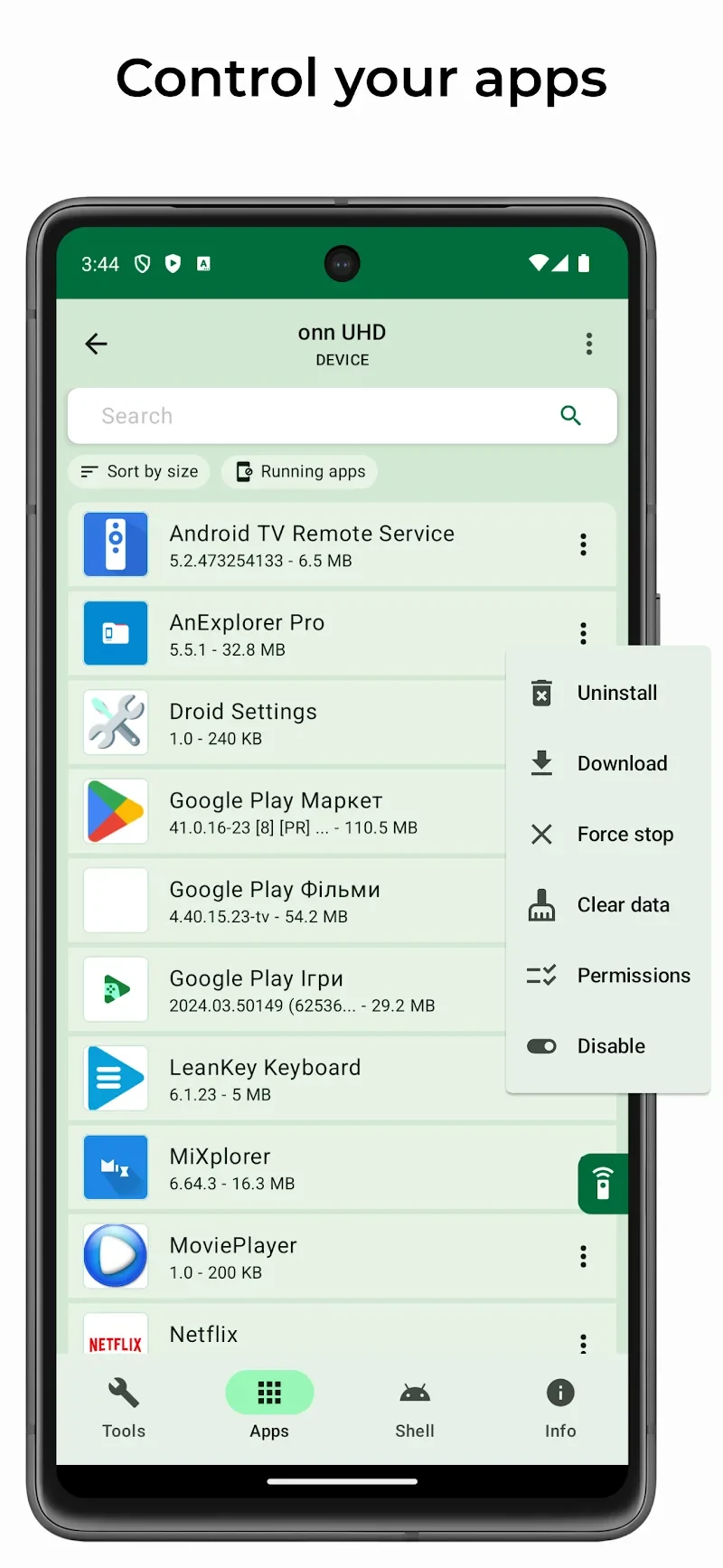
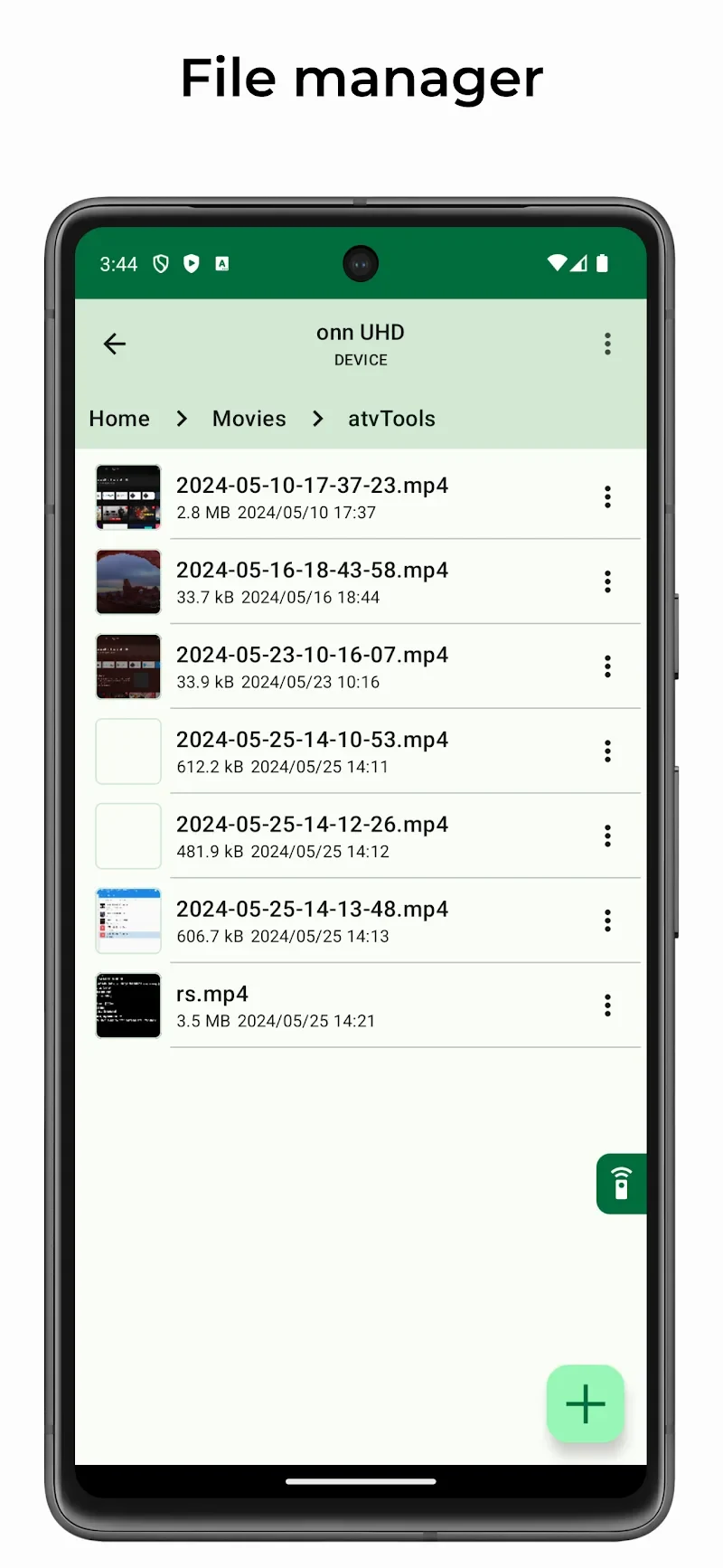
atvTools can install or sideload APK files from a phone to a TV, transfer other files, and provide a built-in file manager for organizing folders. This can be useful when setting up a device or moving media without relying on a separate TV file manager. The app also lets users open, uninstall, disable, or enable installed applications and grant or revoke app permissions from the phone.
For apps that cannot be uninstalled, the shell command console can be used by advanced users to disable pre-installed apps and hide them from the launcher. The source also describes using atvTools with tvQuickActions for button reassignment after removing unwanted apps. These more technical options are distinct from the standard app controls and involve running shell commands.
What remote controls and maintenance tools are included?
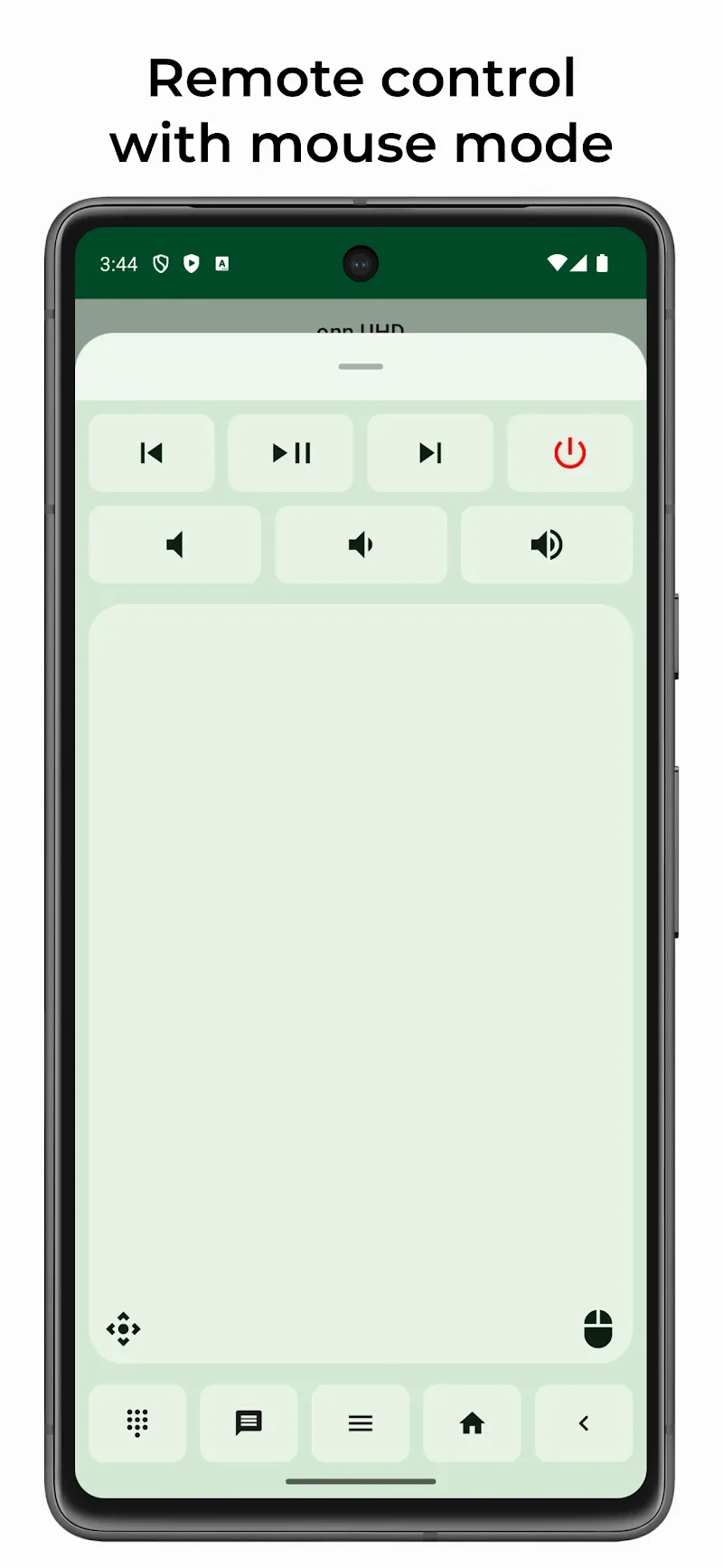
The app offers remote-control and mouse modes for navigating TV interfaces, including apps that need pointer input. Users can paste text from the phone, take screenshots, and quickly push files. Power options let users restart or shut down supported devices, while a one-click control clears app caches.
For troubleshooting, atvTools displays CPU, memory, network, and storage status, and shows running processes. Users can force-stop an app that is malfunctioning or using resources. These tools provide ways to inspect activity and address an individual process without restarting the whole TV, though the available power controls are described as applying to supported devices.
Who may find atvTools useful?
atvTools may fit Android TV or Google TV owners who regularly sideload apps, move files, adjust app access, or prefer using a phone for navigation and text entry. Its monitoring and process controls may also be useful to people who want to check resource use or stop a problematic app. Users seeking only a basic remote may not need its broader management features, while shell commands and debugging setup are more relevant to people comfortable with device administration.
Version history
View all29 May 2026 · stable