
Screenshots
About this app
Overview
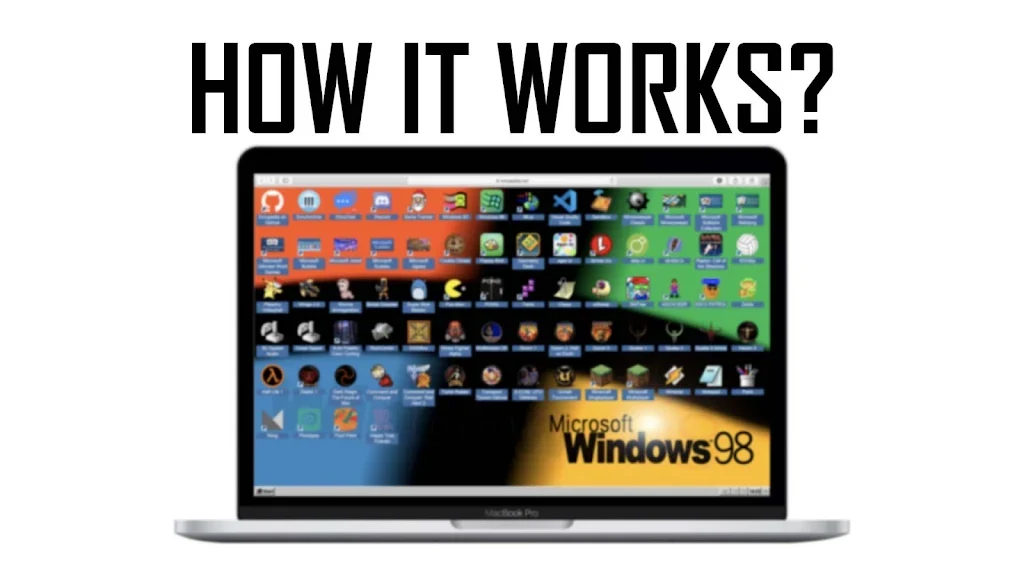
EmuOS Emupedia Games Explan is an unofficial guide for people who want to revisit classic video games from the 1990s and earlier through Emupedia. Rather than presenting the app as an emulator, it explains how to access games on the Emupedia website and play them in a web browser. The source describes a straightforward process that avoids separate game installations and emulator configuration. Its focus is retro gaming, with information about the available selection, browser access, and the community surrounding the platform. It may suit users looking for a simple introduction to Emupedia and its collection of older games.
What You Can Do
⭐ Follow guidance for accessing Emupedia and starting classic games in a web browser. The described process involves visiting the website rather than installing individual games.
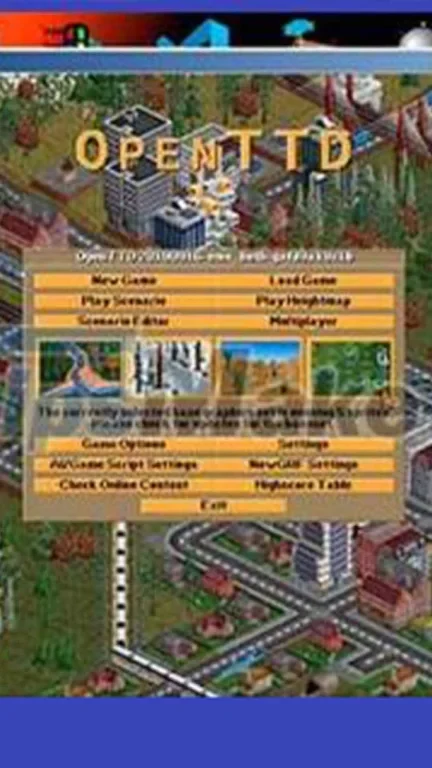
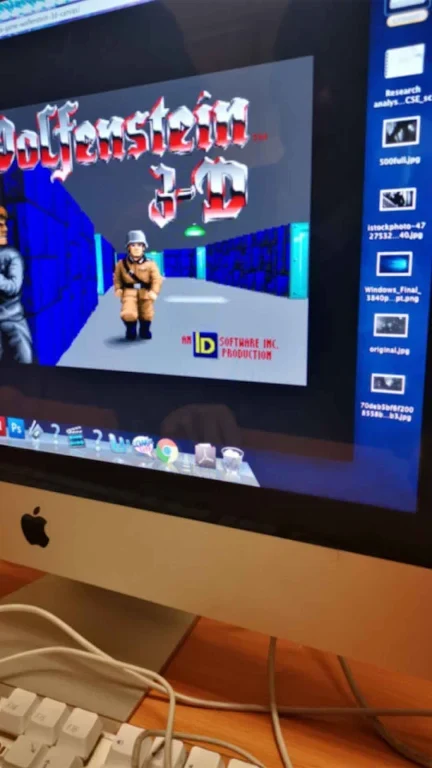
⭐ Explore a selection of games from the 1990s and earlier. The source mentions several types, including platformers, role-playing games, and arcade titles, along with both well-known releases and lesser-known entries.
⭐ Play without setting up a separate emulator. According to the supplied information, Emupedia provides the browser-based environment needed to begin playing, so users do not need to download or configure emulator software.
⭐ Connect with other retro gaming enthusiasts through the Emupedia community. The source says that participants share tips, tricks, recommendations, and discussions about their favorite games.
Using the App
The app is presented as a companion and explanatory guide rather than as the game library itself. A typical workflow is to use its information to reach Emupedia, choose a title, and begin playing in the browser. The source says that an account is not required for access, allowing users to visit the website and start without registration. It also notes an important workflow limitation: game progress cannot currently be saved on Emupedia, so returning to a game does not provide a supported saved-progress system.
Why It May Appeal
✅ Browser-based access can make trying older games more direct because the described process does not require separate installations or emulator setup.
✅ The range of genres and the mention of both popular titles and hidden gems give retro players different types of games to explore.
✅ The community element may help users discover recommendations and exchange practical advice with people interested in classic games.
Things to Consider
❎ Emupedia does not currently support saving game progress, according to the supplied information. Players may therefore need to complete a session in one sitting or restart their progress later.
❎ This is described as an unofficial guide, so it should be understood as an explanatory companion to Emupedia rather than the official game platform.
Access and Availability
The source states that Emupedia focuses on older games that are no longer commercially available and describes the service as legal on that basis. This is information supplied about the platform, not an independent legal assessment, so users should consider the rules that apply in their location and to individual titles.
Version history
View all09 Oct 2024 · stable
Frequently asked questions
What is EmuOS Emupedia Games Explan?
It is an unofficial guide that explains how to access and play classic games through Emupedia in a web browser.
Do I need to install an emulator?
No separate emulator installation or configuration is described as necessary for playing games through Emupedia.
Do I need an Emupedia account?
The supplied information says that you can access and play games without creating an account.
Can I save game progress?
No. The source states that Emupedia does not currently support saving game progress.