
Screenshots
About this app
Everypost for Social Media helps streamline your online publishing experience by combining cross-platform posting, personalized content creation, and scheduling tools into a single app. Designed to simplify managing an online presence, the application addresses the daily tasks of marketing across multiple channels by allowing users to publish text, photos, and videos to Facebook, Twitter, LinkedIn companies, and Google+ pages. Its clearest supported benefit is reducing the hassle of multi-channel management through centralized publishing, instant sharing options, email sending, and a monthly premium tier that unlocks unlimited page changes and scheduled posts.
Where can you source and curate content within the app?
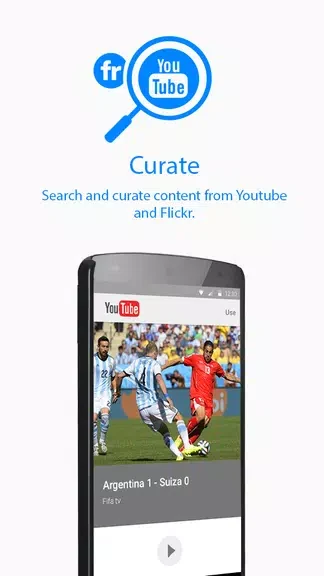
The app provides built-in search and curation features that let you pull content directly from YouTube and Flickr. This integration makes it easier to gather multimedia elements like videos and images without leaving your workflow, supporting the creation of varied content for your social channels.
How does scheduling and cross-platform publishing work?
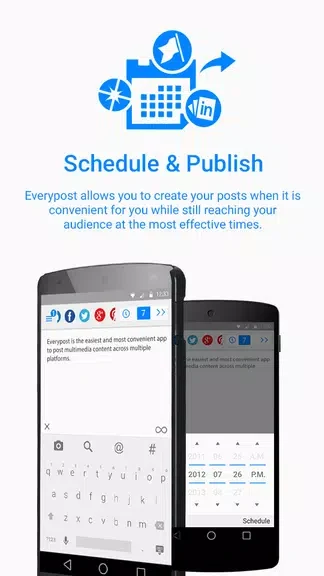
Users can schedule posts in advance for platforms like Facebook and Twitter, helping to plan out a content calendar. Along with scheduling, the app supports publishing text, photos, and videos to various destinations including Facebook pages, Google+ pages, and LinkedIn companies. Additional publishing tools include options for hashtags, mentions, photo quality settings, and a URL shortener.
What options are available for upgrading your publishing capabilities?
For a subscription fee of $9.99 a month, the app unlocks premium features aimed at enhancing social media marketing efforts. This upgrade removes restrictions by providing unlimited page changes and scheduled posts to elevate your overall publishing strategy.
Who can benefit most from using Everypost for Social Media?
Content professionals, marketers, and individuals managing an active online presence across different channels will find the app useful for organizing their marketing strategy. By utilizing content curation, scheduling features, multi-platform sharing, and practical tips like planning a content calendar or leaving buffer time between scheduled posts, users can manage their campaigns more efficiently.
Version history
View all14 Oct 2024 · stable
Frequently asked questions
What platforms can I post to using Everypost?
You can post text, photos, and videos to Facebook pages, Twitter, Google+ pages, and LinkedIn companies.
What external media sources can be searched inside the app?
You can search and curate content from YouTube and Flickr.
What is included in the monthly subscription?
For $9.99 a month, premium features include unlimited page changes and scheduled posts.