
Screenshots
About this app
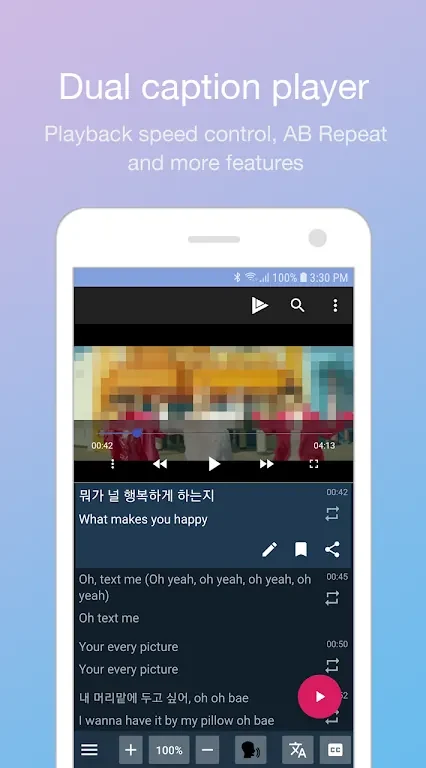
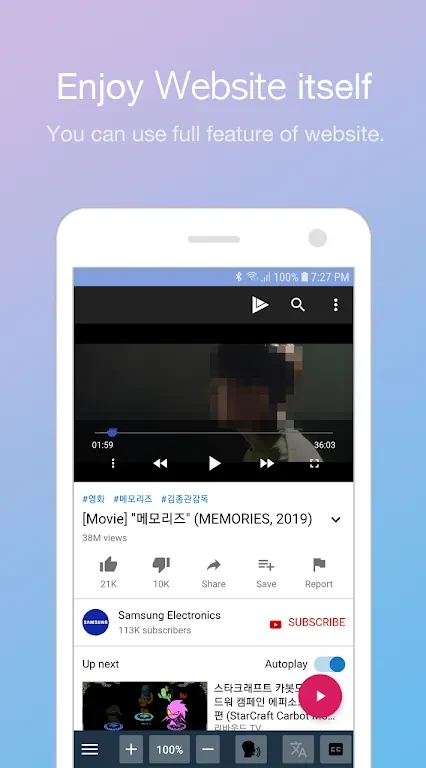
LingoTube dual caption player Mod is a language-learning video player that helps users study through shows, movies, and other video content. Its dual-caption approach lets viewers follow subtitles while watching content from popular streaming platforms, combining entertainment with language practice in one viewing environment.
Video learning from streaming and personal files
The app supports access to content from popular streaming platforms and is also designed to play video files supplied by the user. Personal videos can be used when compatible subtitle files are available, including SRT and SMI formats. This allows learners to work with their own language-learning material instead of relying only on the app's catalog.
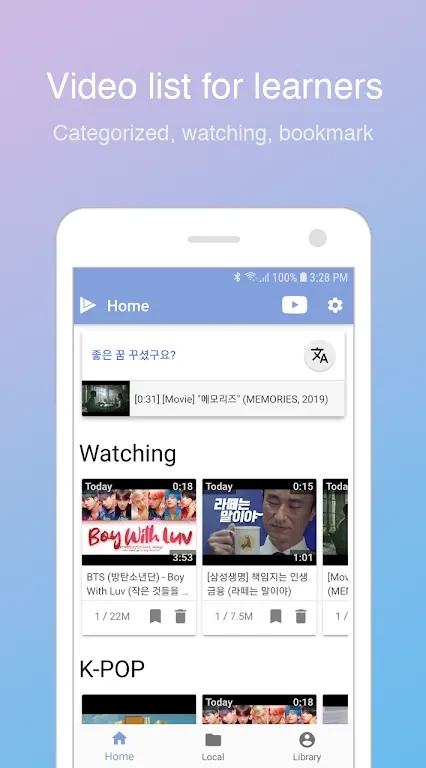
For users looking for prepared material, LingoTube provides curated catalogs intended for different learning levels. The described catalog includes English, Korean, Spanish, and Japanese content, giving learners several language options and a way to choose videos that match their interests or current ability.
Subtitle display and playback controls
Subtitle presentation can be adjusted to suit different learning needs. Users can display subtitles in the target language, the native language, or both at the same time. Showing both languages can support comprehension, while using only the target language provides a more focused viewing mode for learners who want to work with less translation support.
The player also includes dynamic subtitle switching and playback controls. These functions help viewers change how captions appear while watching and manage the pace of video playback during study sessions. The source also identifies AB repeat as a supported tool, allowing a selected section to be revisited for additional listening or speaking practice.
Practice, translation, and dictionary support
Beyond ordinary viewing, LingoTube includes practice modes intended to reinforce language study. Repeating portions of a video and working with its captions can form part of a focused session, especially when a learner wants to review a phrase or listen to a line several times.
The app also provides translation and dictionary support through integration with third-party dictionary and translation apps. This gives users access to definitions and translations for unfamiliar words or phrases without needing to leave the video-learning workflow. Together with dual subtitles, custom display modes, curated catalogs, and personal-file playback, these tools connect video viewing with vocabulary and comprehension work.
Version history
View all28 Aug 2024 · stable