
Screenshots
About this app
Moises is an Android music editing and practice tool that processes songs and other audio tracks for composition, rehearsal, karaoke, and instrumental learning. It can separate vocals from instruments, create new mixes, detect chords and keys, adjust playback, and export finished mixes or individual stems.
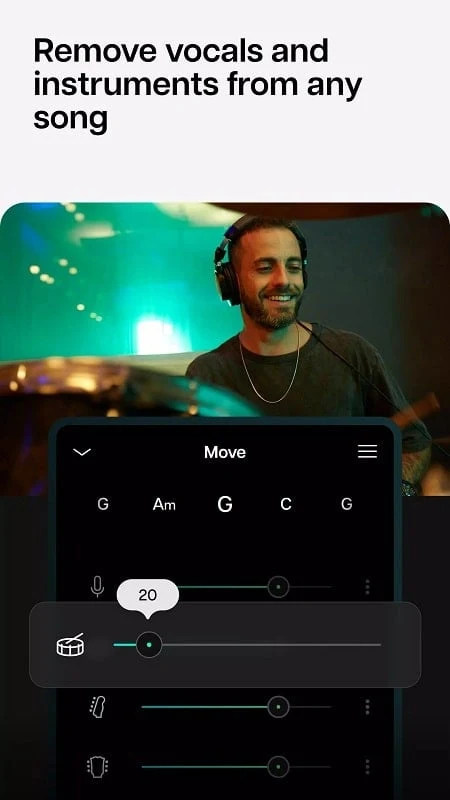
Separate vocals and instruments
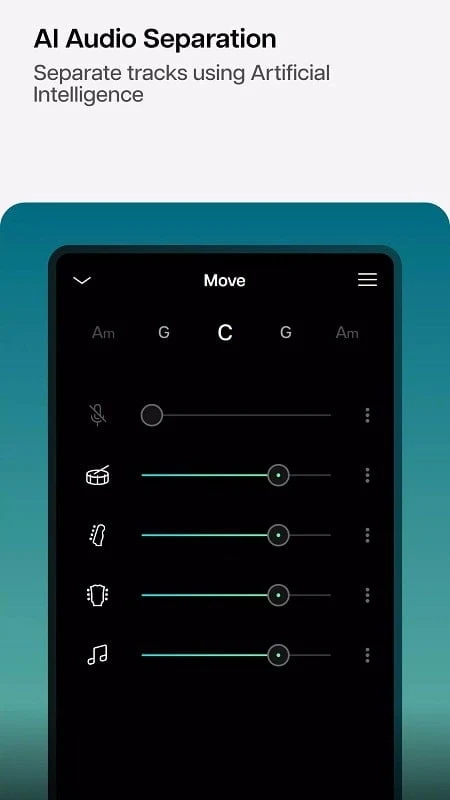
The app applies AI audio separation to completed songs containing vocals and instruments. It can identify and separate elements such as drums, guitar, bass, piano, vocals, and other parts, allowing you to work with them independently. A separated vocal track can be muted to create a karaoke-style version, while instrumental parts can be isolated for practice or later composition.
After separation, the available controls include volume adjustment, muting, and playback-speed changes for individual music elements. The separated material can also be combined in different ways, including mixes that bring vocals and instrumental parts together.
Create and adjust mixes
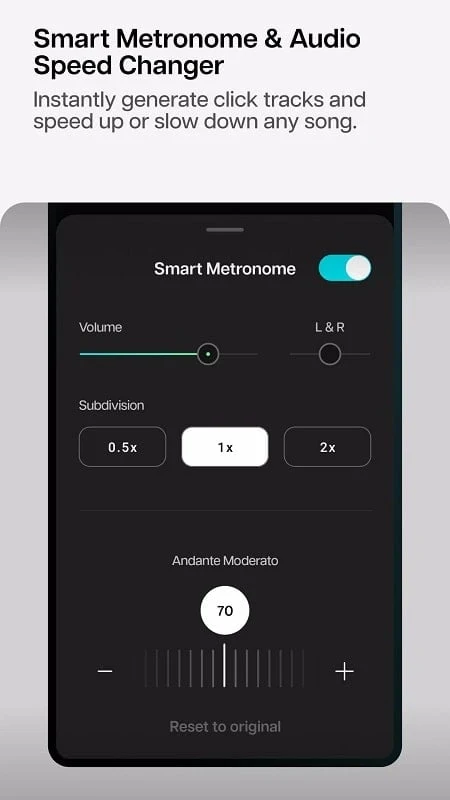
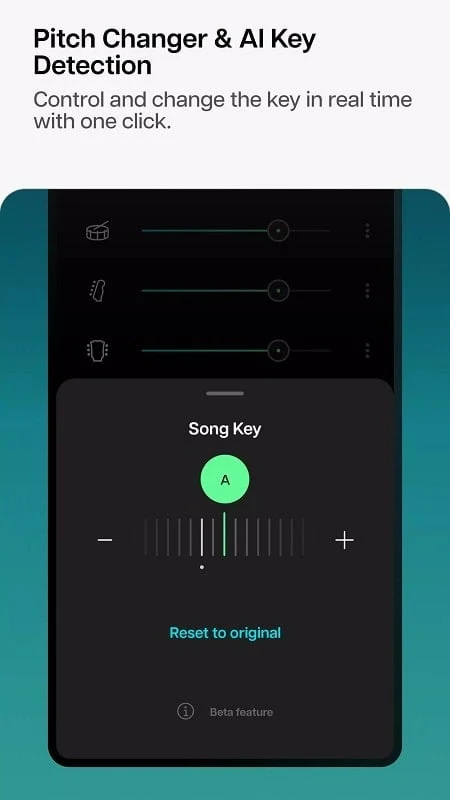
Moises lets you change a song’s tempo and pitch, either for recorded material or while preparing music for performance. Slowing a passage can support practice, while speeding up playback can help with a different rehearsal approach. Pitch controls can also be used to adapt a song to a singer’s vocal range.
The app can detect chords after a track is uploaded and analyze the song’s musical intervals. An undo function lets you reverse a recent modification when an adjustment does not produce the intended result. AI key detection can identify a song’s key, change it, and transpose detected chords across all 12 keys.
Chord detection and instrument practice
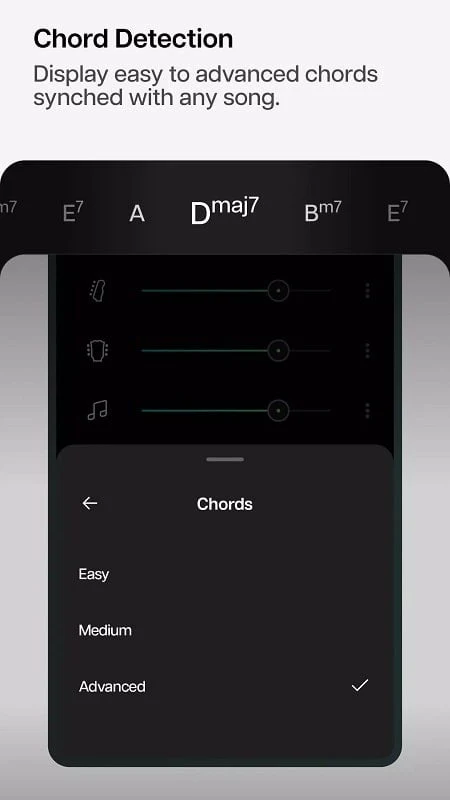
Real-time chord detection identifies chords as a song plays. Guitar and piano chord views show the changes so users can follow progressions and examine the structure of a piece. This provides material for ear training and practice with chord-based instruments, while the progression view can help learners follow changes through a song.
Moises also includes a metronome with adjustable click-track settings and a count-in period before playback. The count-in is intended to help a singer, musician, or band begin on the correct beat during rehearsal or individual practice.
Backing tracks, looping, and organization
Separated parts can be used to make backing tracks for acapella singing, drums, bass, guitar, karaoke, and piano. The app can detect song sections so you can trim and loop a specific part instead of replaying the entire track. This is useful when repeating a chorus, instrumental passage, or other selected section during practice.
Uploaded tracks can be organized into collections, with names and genre-based arrangements described in the source material. Collaborative setlists let users invite collaborators, refine song elements, and keep related musical work together in one place.
Export and sharing
Moises can export high-quality audio mixes and separated stems. Supported output formats listed for the app include MP3, AAC, and WAV. Exported material can include the metronome click-track and can be used in another track-making tool or with a vocal-removal workflow. The source also describes sharing mixes through social platforms, although the available sharing process may depend on the installed version and connected services.
Version history
View all30 Jul 2025 · stable