
Screenshots
About this app
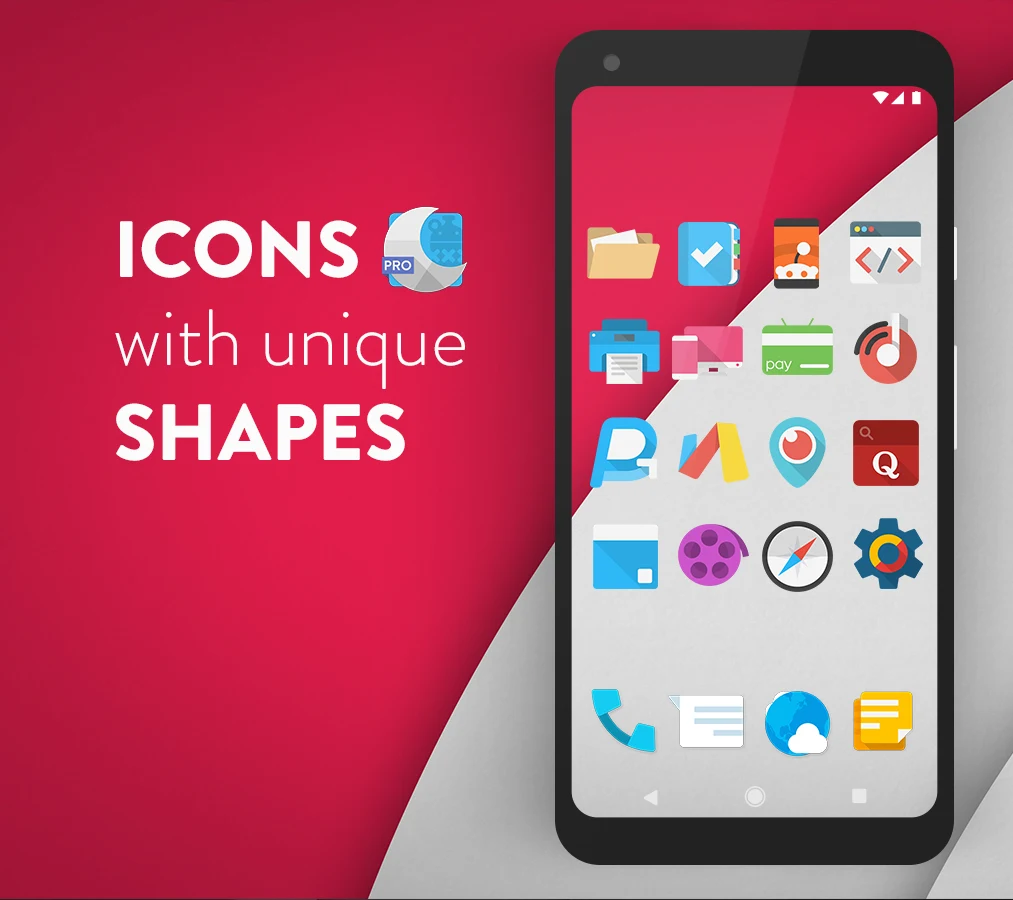
Moonshine Pro assists Android users in discovering and applying a variety of wallpapers and widgets to refresh their device's appearance. The app allows keyword searches and filters to locate specific designs, which can then be personalized before setting them as backgrounds or icons. Users benefit from an ever-growing library that receives regular additions, helping maintain a fresh and engaging home screen without relying on default options. Additionally, the platform supports uploading personal creations to share with the community and receive feedback through likes. This approach combines discovery with contribution, making it suitable for those seeking ongoing visual updates to their devices through both system tools and optional editing features.
Widget Support and Options
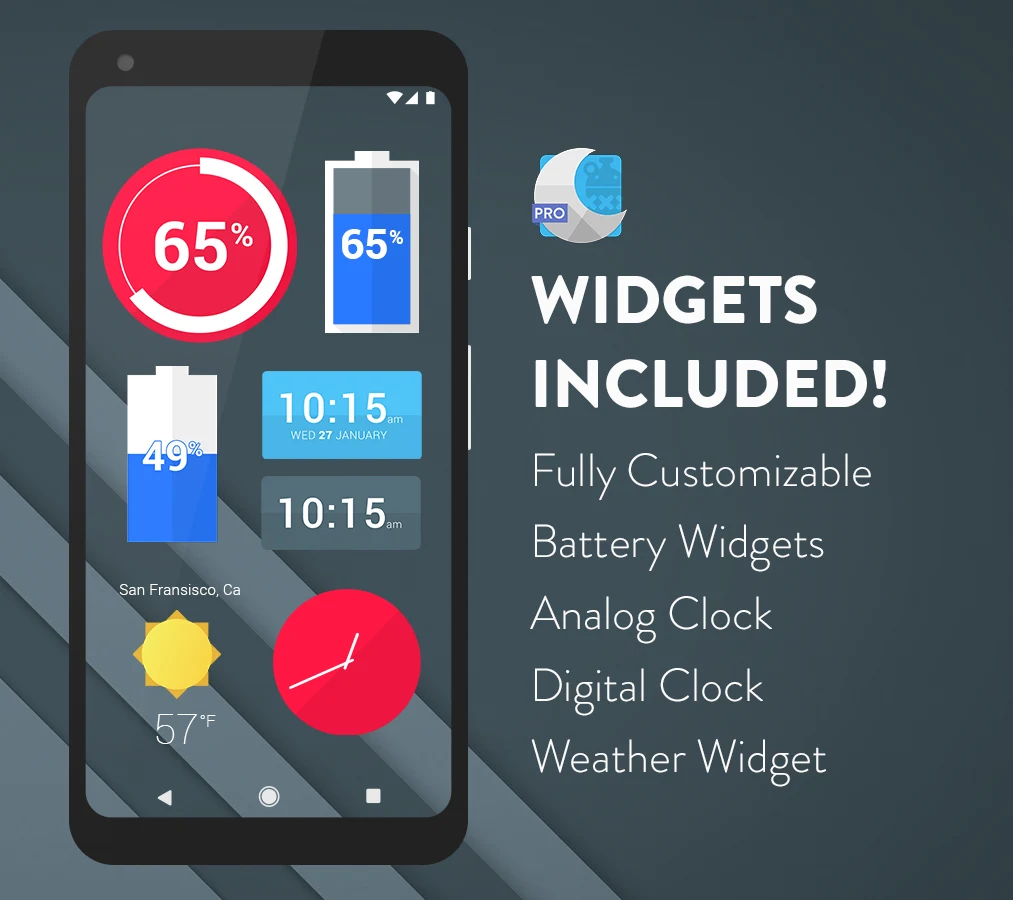
The app supplies system widgets along with editable KWGT widgets for users who choose that route. Available options include two battery widgets, fully editable digital clock widgets, an analog clock widget, and a weather widget. System widgets function independently without any additional purchases or downloads, while KWGT support remains available for those wanting further adjustments. These elements work together to display time, battery status, and weather information directly on the home screen.
Search and Personalization Tools
Users enter keywords to filter the wallpaper and icon collection quickly. Once a design is selected, personalization options allow adjustments before application. The library receives ongoing updates with new wallpapers, supporting repeated changes that keep the interface varied. Seamless integration helps these elements combine into a cohesive setup that functions smoothly across the device.
Usage Requirements
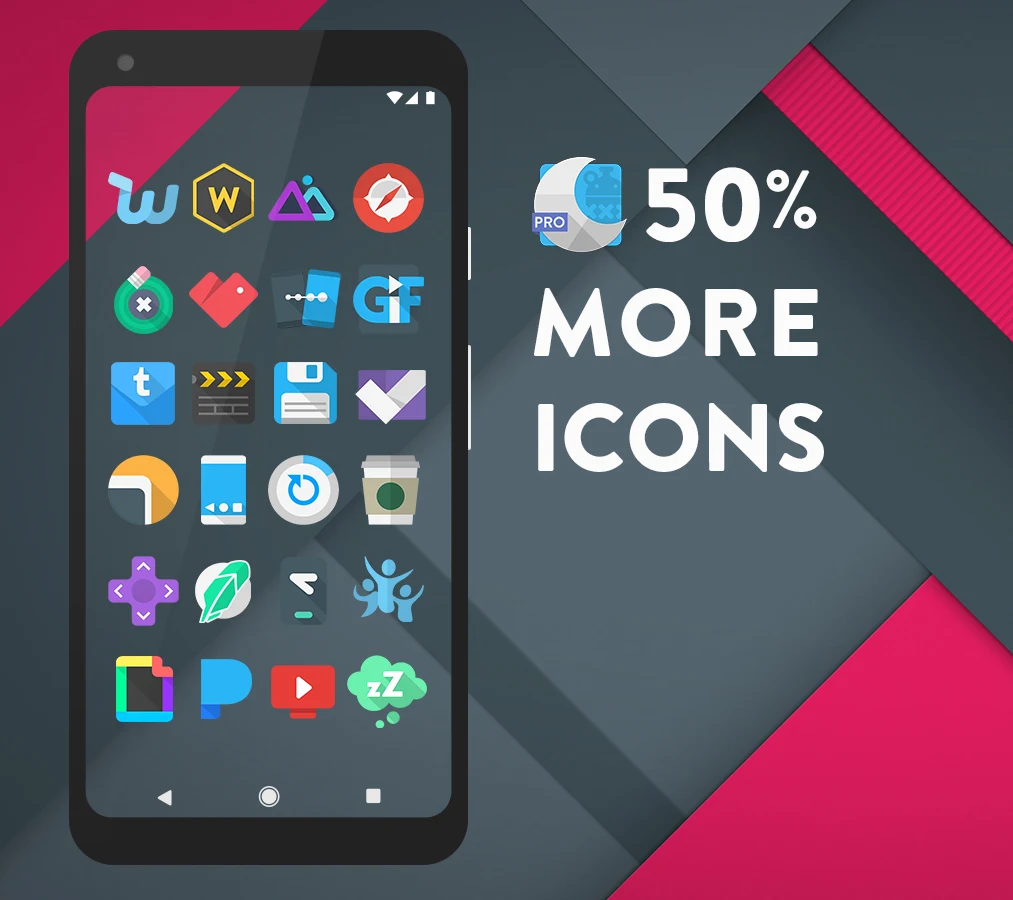
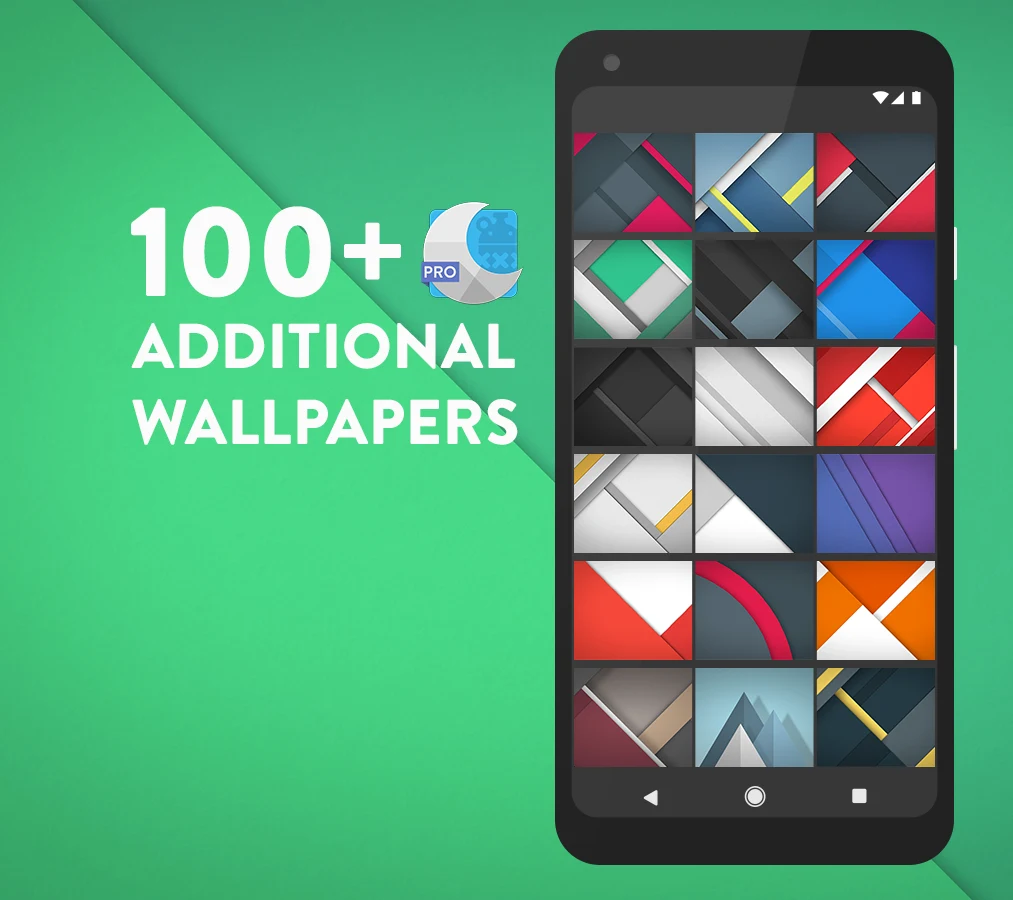
Application of the icon pack requires a custom launcher such as Nova, Apex, or Action Launcher. The Pro version adds over 500 icons, more than 100 wallpapers, and editable widgets beyond the free offering. Regular updates continue to deliver new icons and improvements to Pro users after purchase.
Dynamic Wallpapers and Interface
Dynamic wallpapers feature distinct themes that users can select and apply. The overall interface remains intuitive, supporting quick access to customizations without added complexity. This combination helps sustain a modern appearance while allowing uploads that contribute to the shared library for other users.
Version history
View all03 Jun 2026 · stable
Frequently asked questions
Do I need a custom launcher to use this app?
Yes, you need a custom launcher like Nova, Apex, or Action Launcher to apply the icon pack.
Can I use the widgets without KWGT?
Yes, the app includes system widgets that don't require KWGT. KWGT widgets are optional for editing.
What is the difference between the free and Pro versions?
The Pro version includes 500+ additional icons, 100+ wallpapers, and editable widgets not available in the free version.
Are updates included in the Pro version?
Yes, the Pro version receives regular updates with new icons and enhancements.