
Screenshots
About this app
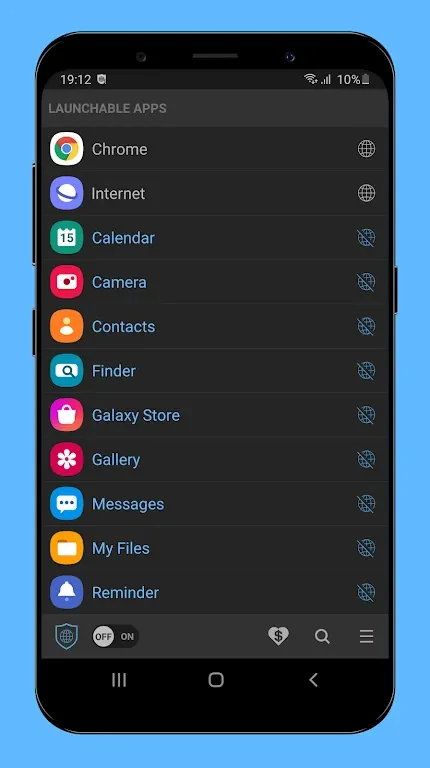
Net Blocker Mod helps you control internet access on an Android device by blocking selected applications from connecting online. The app is intended for people who want to review which apps can use network access, particularly when an application may not need an internet connection for its main function.
Selective internet access
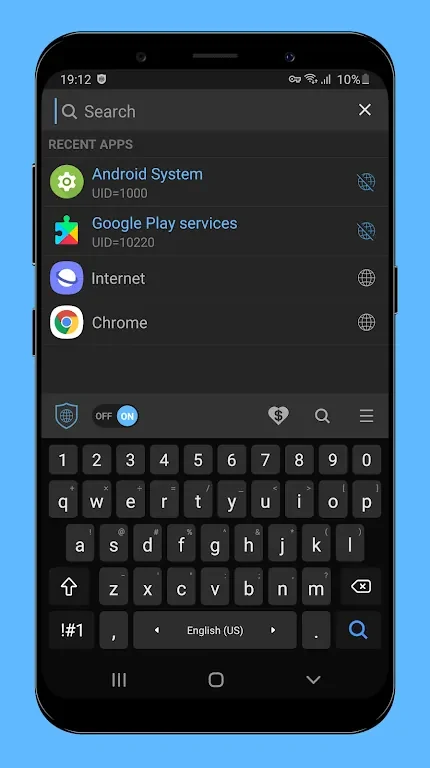
The central function is manual app blocking. You can choose specific apps or games and prevent them from accessing the internet according to your preferences. This gives you a way to manage connectivity at the app level rather than treating every application the same. The source description presents this control as a way to limit unnecessary data use and reduce the network activity of selected apps.
Privacy and device resources
Restricting network access can help you control when selected apps communicate online. Net Blocker Mod is described as supporting privacy and data management by preventing blocked apps from accessing the internet. Limiting internet activity for chosen applications is also presented as a way to help conserve battery power.
No root access required
Net Blocker Mod does not require you to root the device. This makes its internet-blocking function available without the rooting step described for some comparable tools, while the source also notes that using the app does not involve voiding the device warranty through rooting.
Reviewing permissions and blocked apps
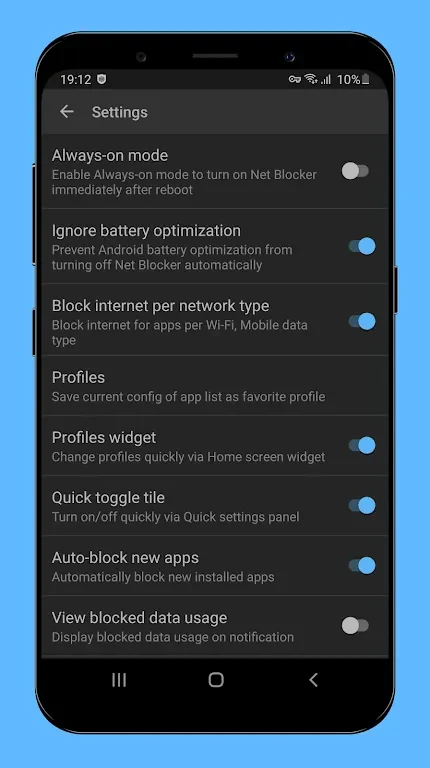
The supplied guidance recommends checking the permissions requested by your installed apps before deciding which ones to block. After creating a blocked-app list, review it regularly because some applications may need internet access for important functions. Updating the list as your needs change helps keep the selected restrictions relevant.
Supported Android versions
The app is described as compatible with Android 5.1 and higher, covering smartphones and tablets that meet this version requirement. The source does not provide more specific device restrictions or performance details.
Version history
View all15 Aug 2024 · stable