
Screenshots
About this app
PhotoPills helps photographers plan images around the positions and timing of the Sun, Moon, and Milky Way. By combining location scouting with event information and photography calculators, it can help users decide when and where to prepare a shot rather than relying only on chance conditions. That is useful for scenes that depend on a particular alignment, such as a Moon near a landmark or a star-filled night sky. Plans can include scheduled tasks and reminders, giving photographers a way to organize the preparation as well as the moment of capture.
Plan around light and celestial events
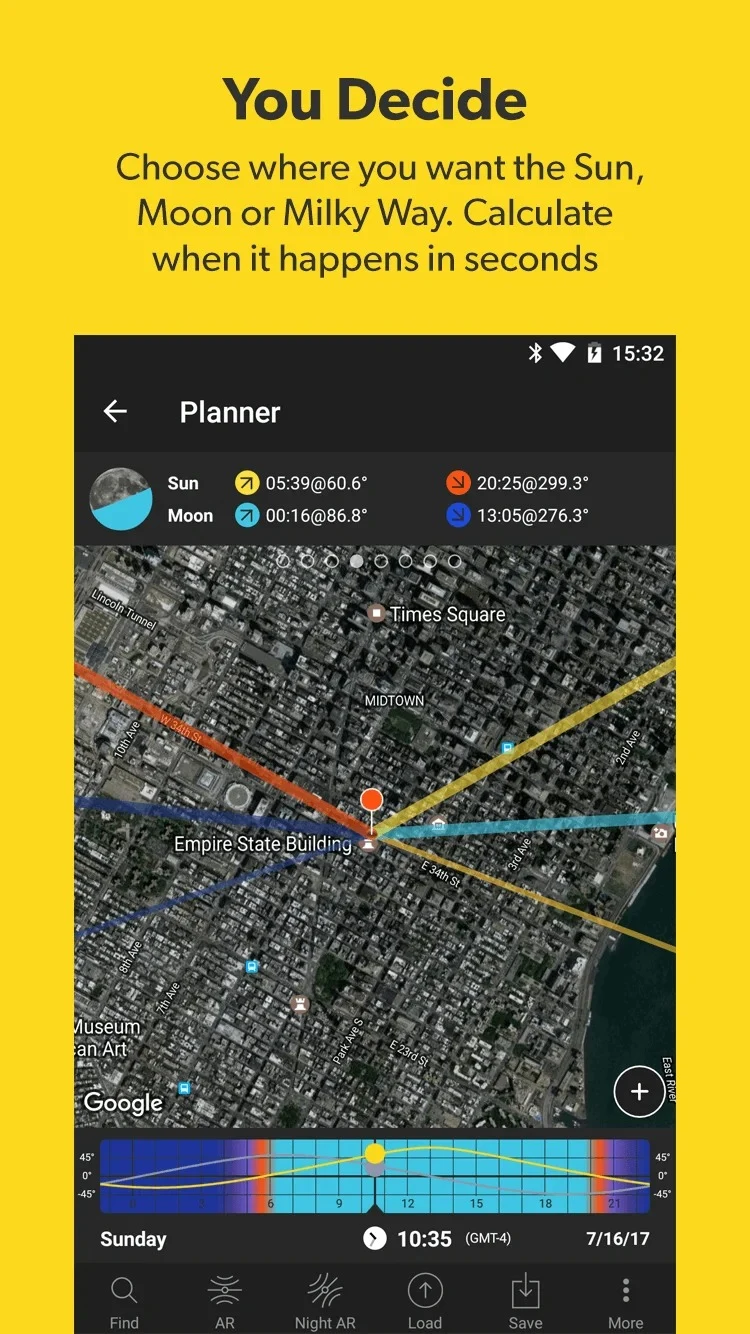
The app provides information about Sun and Moon positions and notable photography opportunities, including golden hour, blue hour, and supermoon dates. Users can search for locations and use the available timing and position information to consider how an event may appear from a chosen place. This is relevant to landscape and night photography, where both the scene and the timing can affect the intended composition.
PhotoPills also supports planning for Milky Way and star photography. A saved plan can bring together the intended time and place with a to-do list, while reminders can be set in advance. The practical value is in keeping preparation connected to the event: instead of checking a date and then separately remembering what to do, a photographer can use the plan and its scheduled tasks to track the intended shoot.
Scout a composition before the shoot
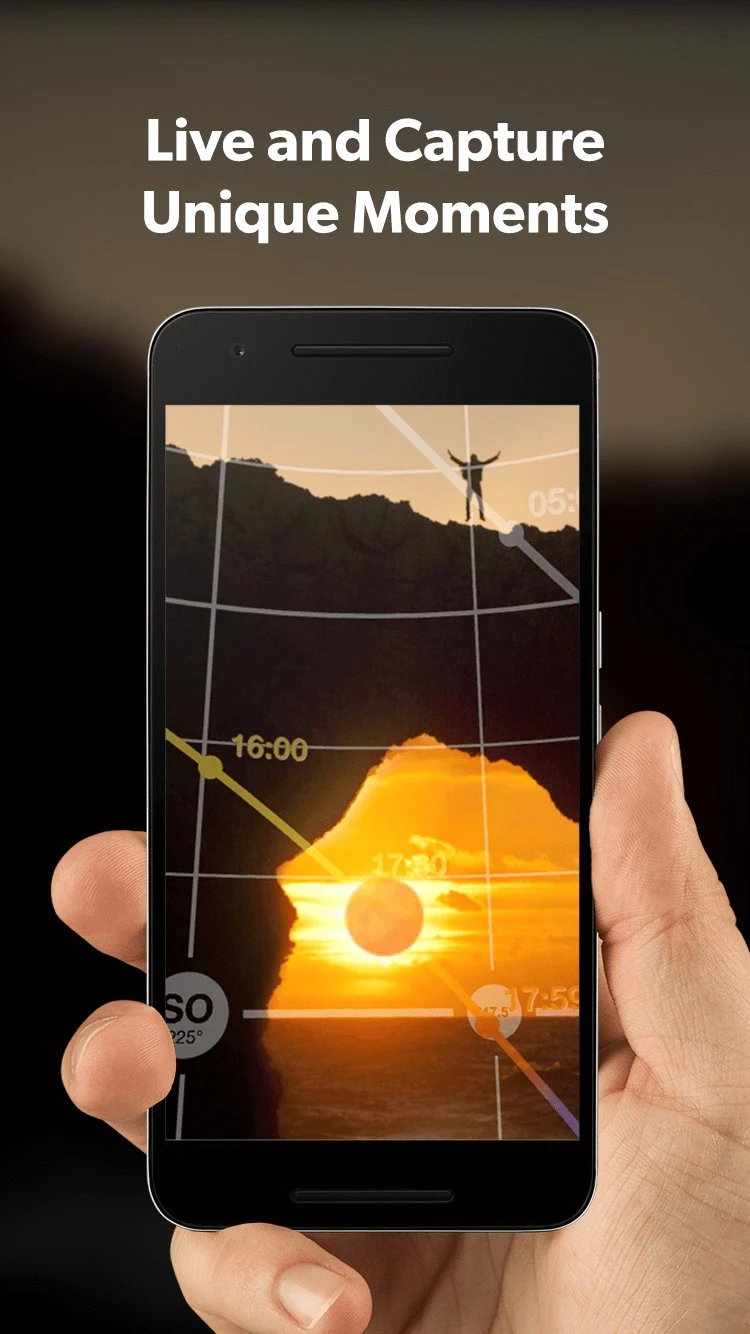
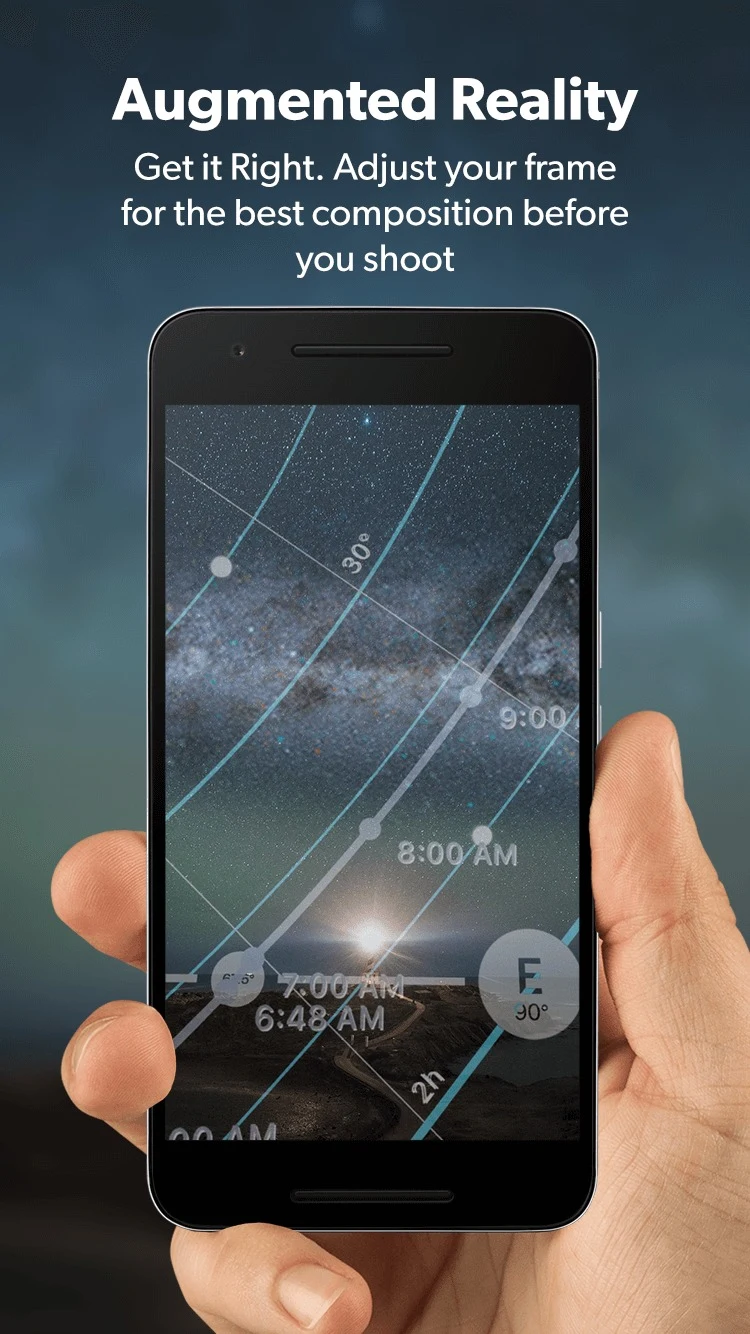
Timing alone does not determine where a subject will appear in the frame. PhotoPills includes location-scouting tools and an augmented-reality view that can help users think through a shooting position and camera angle. The source describes planning compositions such as placing the Sun between mountain peaks or positioning the Moon near a coastal lighthouse. These examples illustrate how location, alignment, and timing can work together when preparing a photograph.
The augmented-reality information depends on the device’s sensors, including GPS, accelerometer, and gyroscope. The supplied guidance notes that nearby electronic devices, metal objects, or magnetic fields may interfere with sensor readings. It recommends moving away from those sources, shaking the device, waiting for the system to stabilize, and trying landscape orientation. The accuracy of the view can still vary with the device’s sensor limitations.
Calculators and camera options
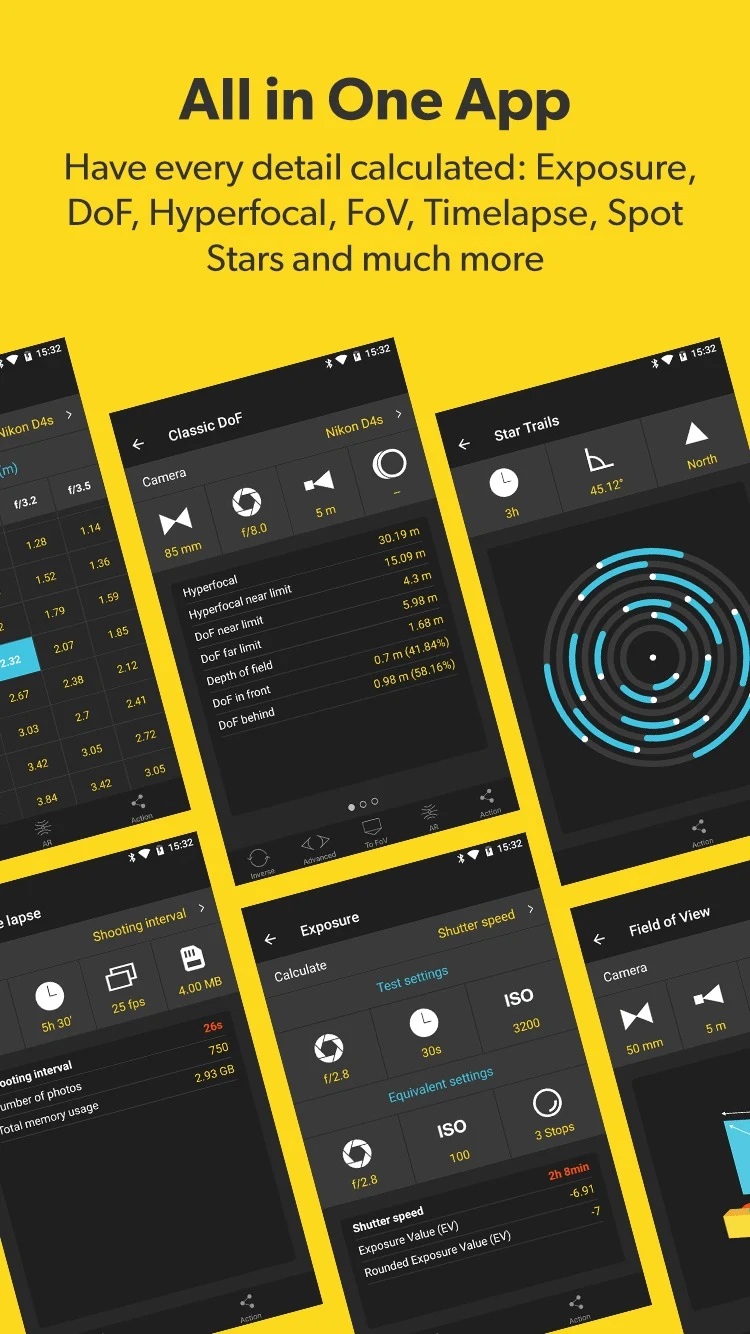
Alongside planning and scouting, PhotoPills includes camera-related calculators. The listed tools cover depth of field, hyperfocal distance and tables, field of view, subject distance, focal-length matching, and spot stars. These calculations can help connect a planned scene with camera settings and framing considerations, rather than treating the location and the camera as separate parts of preparation.
The camera selector includes more than 2,000 camera models, according to the supplied app information. If a model is not listed, users can create a personalized camera from the camera list using the plus icon. The custom camera can then be selected in Camera settings and used with the listed calculators. This option means the available camera list does not have to be the only way to configure those calculations.
Widgets and saved plans
Three widgets provide a way to check information without opening the main app: PhotoPills (Sun and Moon), PhotoPills Night, and PhotoPills Plans. They show daily Sun, Moon, and Milky Way events, along with upcoming photo plans saved by the user. Together, the event widgets and plans widget can keep current information and scheduled shoots visible in the same quick-access area.
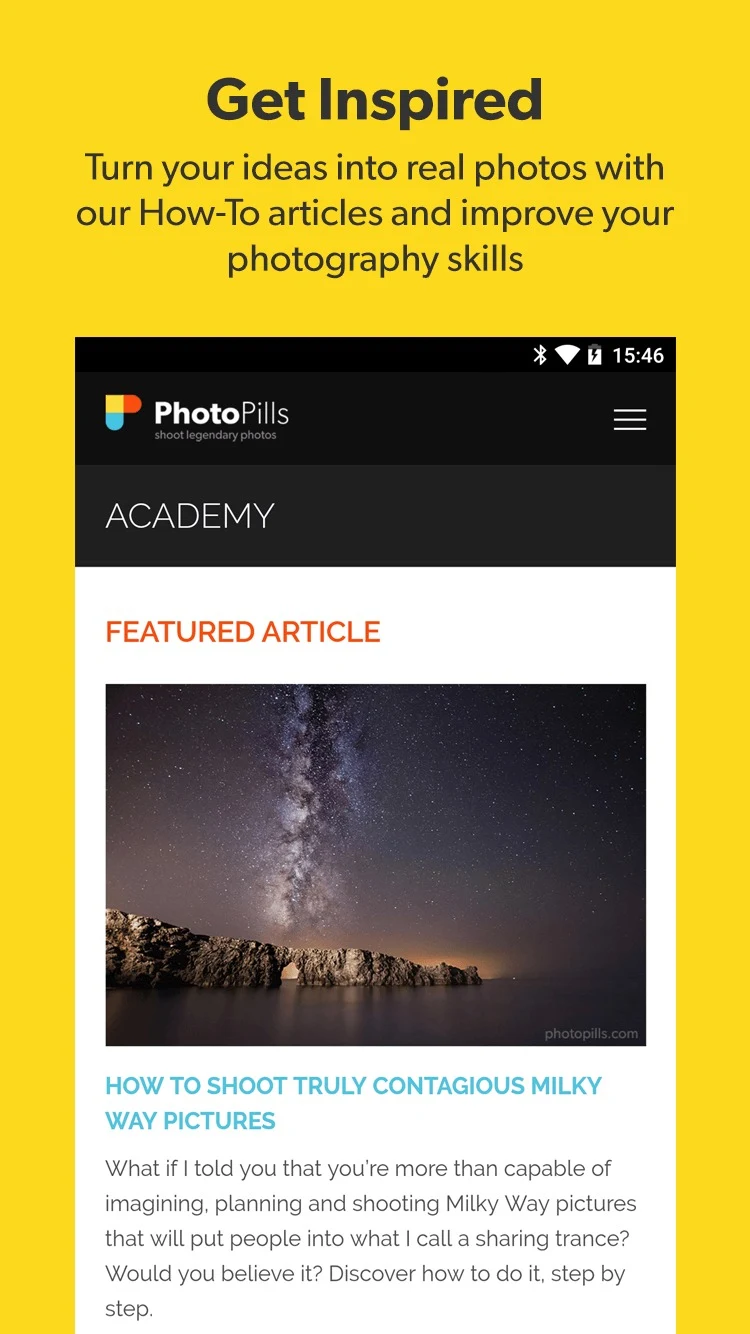
PhotoPills is aimed at more than one kind of image-maker. The supplied information names nature, night, time-lapse, architecture, wedding, and fashion photographers, as well as filmmakers and production roles, students, architects, and people interested in the Sun or Moon. Its range of planning and calculation tools may take time to learn; the source points users to how-to videos, articles, and a user guide available on the website and in the app.
Additional planning uses
The app’s stated uses also include estimating times for satellite photography and finding opportunities for sunrise, sunset, aurora, and star scenes according to location. Its calculators and planning features support different stages of preparing a shot: choosing a time and place, considering the alignment and camera angle, and checking relevant optical calculations. The available information does not specify that every event or calculation will suit every device or shooting situation, so users may need to check their own equipment and conditions when planning.
Version history
View all02 Jun 2026 · stable
Frequently asked questions
Can I use PhotoPills if my camera model is not listed?
Yes. The supplied information says the camera selector includes more than 2,000 models and lets users add a personalized camera with the plus icon in the camera list. The custom camera can be selected in Camera settings and used with the listed photography calculators.
What information do the PhotoPills widgets show?
The three widgets—PhotoPills (Sun and Moon), PhotoPills Night, and PhotoPills Plans—show daily Sun, Moon, and Milky Way events and upcoming photo plans saved in the app.
What should I check if the augmented-reality view is inaccurate?
The supplied guidance recommends moving away from electronic devices, metal objects, and magnetic fields, shaking the device, and waiting a few seconds for its sensors to stabilize. It also suggests using the device in landscape orientation. Results can depend on the device’s GPS, accelerometer, and gyroscope.
Where can I find help learning PhotoPills?
The supplied information points to how-to videos and articles on the PhotoPills website, as well as a user guide available on the website and within the app.