
Screenshots
About this app
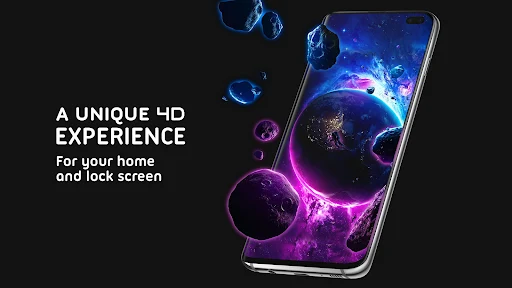
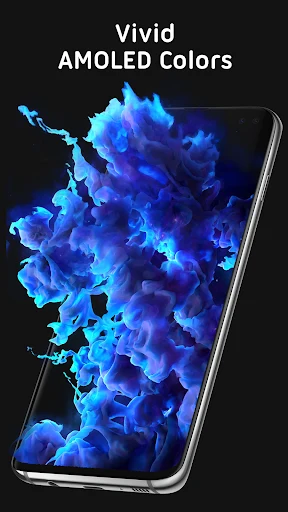
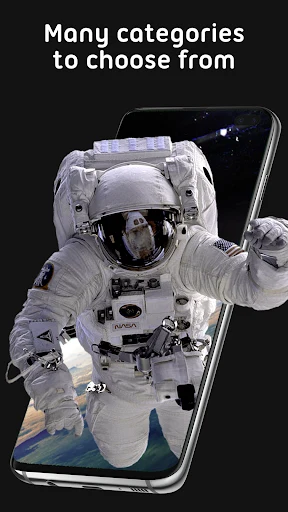
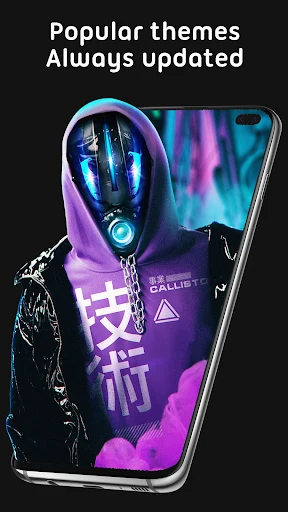
Pixel 4D Live Wallpapers is an Android personalization app for finding backgrounds and setting them on a device’s wallpaper or lock screen. Its collection covers subjects such as animals, vehicles, cities, landscapes, superheroes, planets, cartoons, and nature. The app also includes static images and live wallpapers with 3D or 4D effects, so users can browse for a subject or style that suits their screen.
What kinds of wallpapers can you browse?
The app describes a large collection of wallpapers spanning different subjects, including animals, vehicles, cities, landscapes, superheroes, the universe, planets, cartoons, supercars, and nature. Images are grouped by themes, which gives users a way to explore a particular subject rather than treating the collection as one undivided gallery. The description also refers to categories such as people, landscapes, and objects. It does not specify a complete category list, so the available themes may vary across the collection.
Users can browse through available designs or search for a theme or concept. This is useful when looking for a particular kind of image without scrolling through every option. The source describes the collection as regularly updated with new images, though it does not provide a schedule or list of additions.
How do the 3D and 4D wallpapers behave?
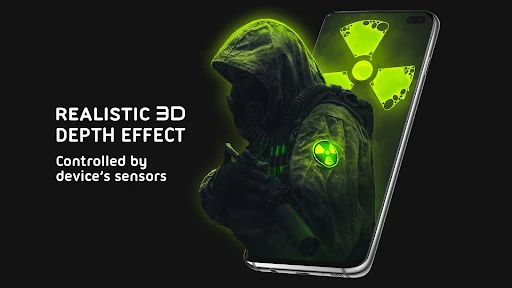
Alongside ordinary wallpapers, Pixel 4D Live Wallpapers offers animated designs described as 3D and 4D. The description says 3D wallpapers present their image content with a sense of depth and that some content changes on the screen over time. For 4D wallpapers, tilting the device is described as making the image appear to move. These effects are intended for users seeking motion or depth rather than a static background.
The app also provides an effect-intensity control for wallpapers. The source says users can adjust this setting, but it does not explain the available levels or describe other effect controls. The collection’s 3D and 4D labels therefore describe the kinds of visual effects offered, not a specific set of options for every individual wallpaper.
Can a selected image be used on the lock screen?
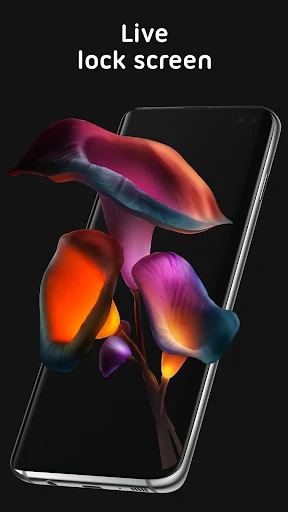
After finding a background, users can apply it as either the device wallpaper or the lock screen image. The description characterizes applying a selection as a single-tap action followed by choosing where it should appear. When assigned to the lock screen, the image is displayed before the device is unlocked. This gives users a choice between changing the wallpaper and changing the image seen at the lock screen.
Does the app adjust wallpapers for different screens?
The source says the app automatically adjusts wallpaper size to fit different phone screen sizes. This is intended to let the image fit the display without requiring users to resize it manually. It also describes the app as suitable for Android phones and tablets, but does not give a specific minimum Android version or detailed device requirements. The supplied minimum-OS field does not contain a usable operating-system requirement.
What does the source say about battery use?
Pixel 4D Live Wallpapers describes its live wallpaper content as optimized for battery consumption and says effect intensity can be adjusted to help save power. These are claims in the app description, not independently verified measurements. The same description notes that live wallpapers may use more battery than static wallpapers because their content changes. Users concerned about battery use can consider that distinction when choosing between animated and still images.
Version history
View all15 Jul 2025 · stable
Frequently asked questions
What app version is listed in the supplied information?
The listed version is 3.4.3.