
Screenshots
About this app
Remote Gsmedge is a Samsung-focused utility intended to help with factory reset protection (FRP) verification after a device access password has been forgotten. Its stated purpose is to provide a way to work with factory reset commands and disable the FRP lock before resetting a phone. The app is presented as a lightweight option with controls placed on its home screen, making the basic process easier to follow. It is aimed primarily at Samsung phones, particularly older devices running Android versions from 6.0 Marshmallow through Android 10.
Starting with the home screen
The setup process is described as simple. After opening the app, users can scan for a connected device from the main screen and then use the available controls. Keeping the main actions together in one place can make the workflow easier to understand than tools with scattered settings. The source also says that the interface uses clear buttons and that users can submit questions or contact customer service online when they need assistance.
Designed for Samsung devices
Remote Gsmedge is primarily presented as an FRP utility for Samsung hardware rather than a general Android solution. The source claims support for Samsung devices across different models and Android versions, including older smartphones. It also separately identifies Android 6.0 through Android 10 as the versions on which the app works best. Compatibility should therefore be checked against the specific Samsung model and software version before relying on it, especially when the phone uses a newer release or is not made by Samsung.
No root requirement
The app is described as working without root access. This means the stated process does not depend on users modifying the Android system beforehand, which may make it more practical for an unrooted phone. The source does not describe every device condition or recovery scenario, so the absence of a root requirement should not be treated as a guarantee that every FRP situation will be handled successfully.
Offline scanning and installation options
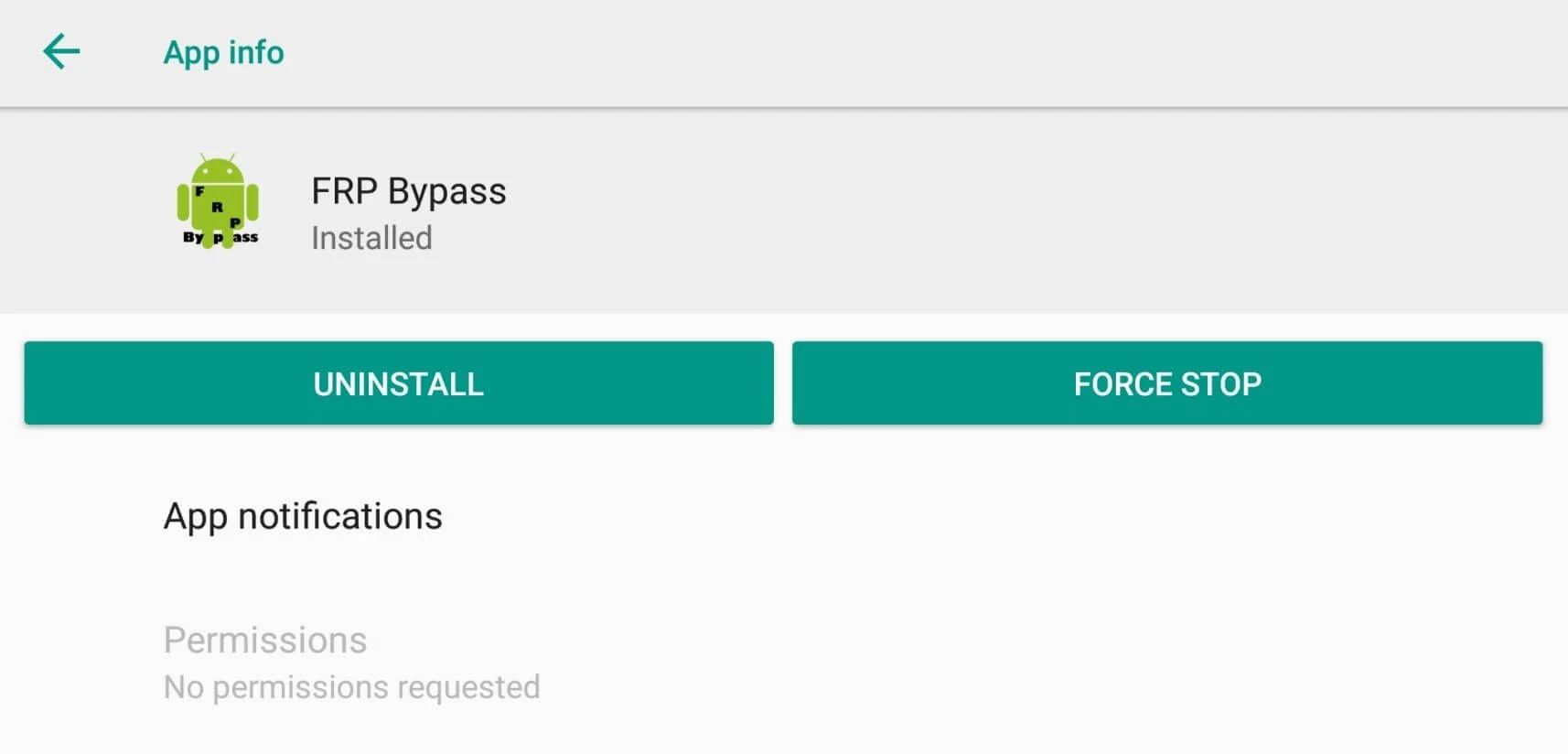
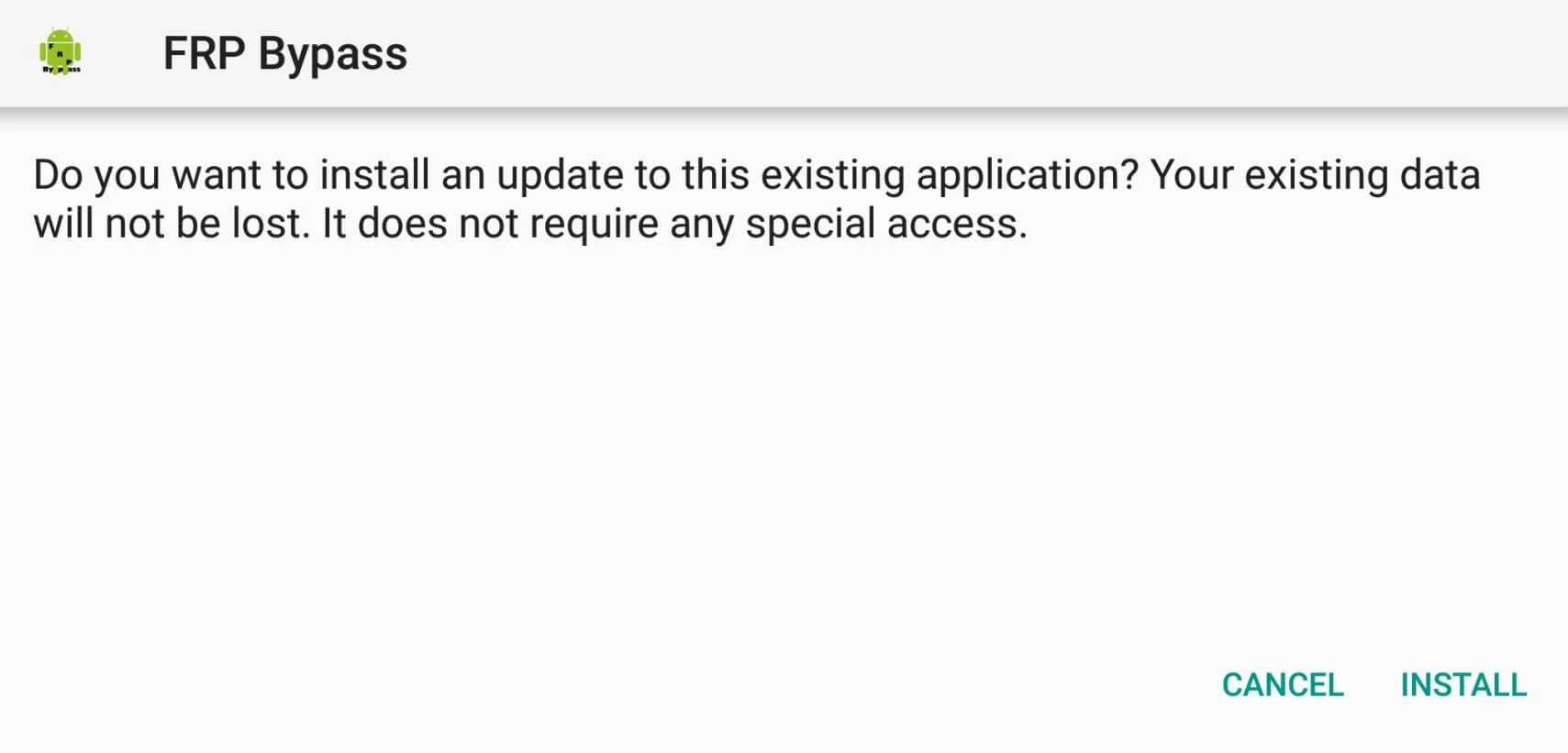
According to the supplied information, an internet connection is not required for the app's scanning and use after installation. The source also says that it can sometimes be installed directly on the phone without a computer. These details may be useful when a computer or network connection is unavailable, although the direct-install option is described as occasional rather than universal. The app is additionally characterized as having a very small file size, which may reduce the storage needed for installation.
What to check before use
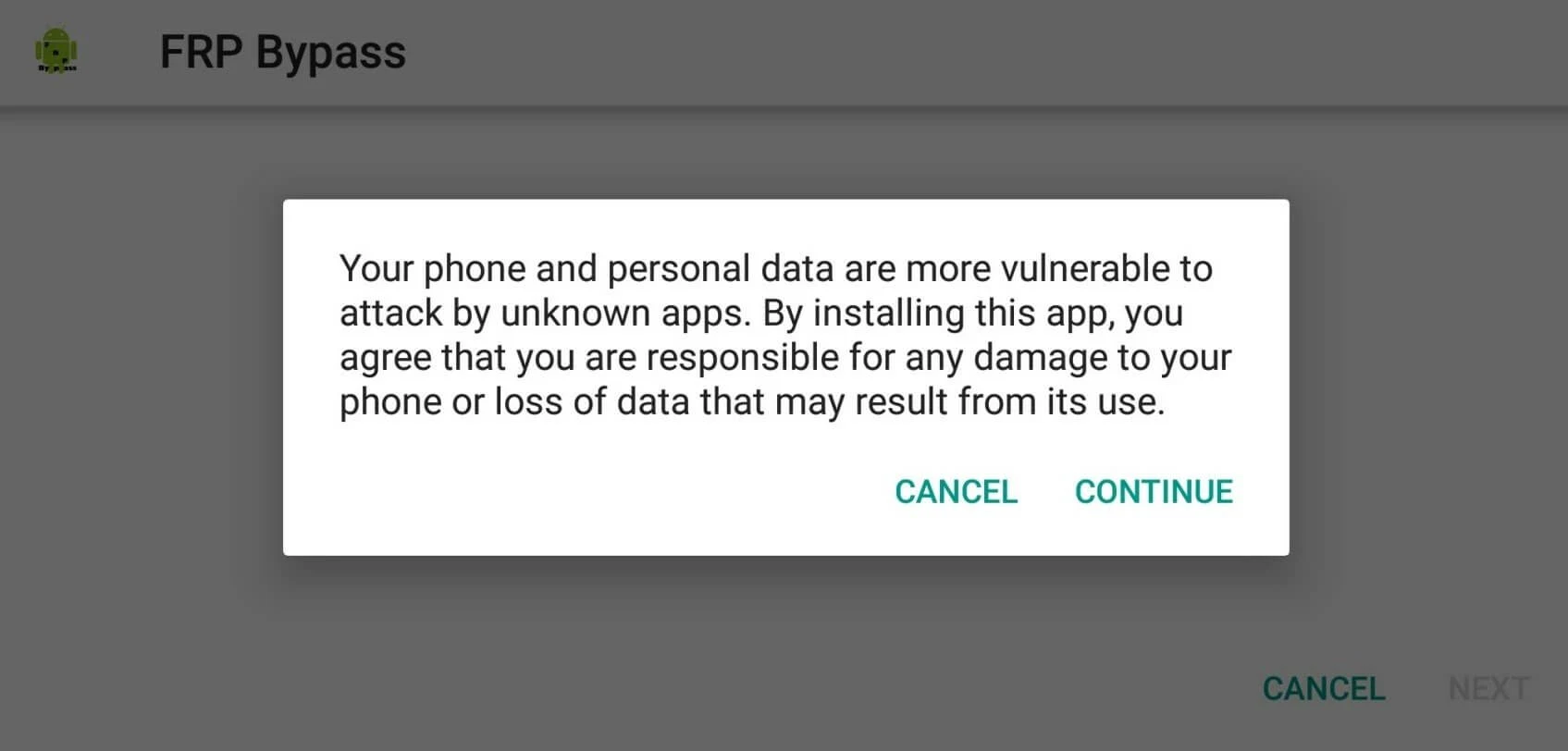
Remote Gsmedge is described specifically in terms of Samsung FRP handling and should not be assumed to support every Android smartphone. Its listed strengths are the simple home-screen workflow, operation without root, offline use, and suitability for some older Samsung versions. Users should confirm that they own or are authorized to service the device and verify model compatibility before attempting a reset or FRP-related operation, since the supplied information does not establish universal compatibility.
Version history
View all27 May 2026 · stable
Frequently asked questions
Does Remote Gsmedge require root access?
No. The supplied information says that Remote Gsmedge is intended to work on unrooted devices.
Does Remote Gsmedge need an internet connection?
The source says that internet access is not required after installation for scanning and using the application.
Which devices is Remote Gsmedge intended for?
Remote Gsmedge is presented primarily as a utility for Samsung devices. The source highlights older Android versions from 6.0 Marshmallow through Android 10, so users should check the specific model and software version.
Can Remote Gsmedge be installed without a computer?
The source says that direct installation on the device is sometimes possible, but it does not present this as a universal option.