
Screenshots
About this app
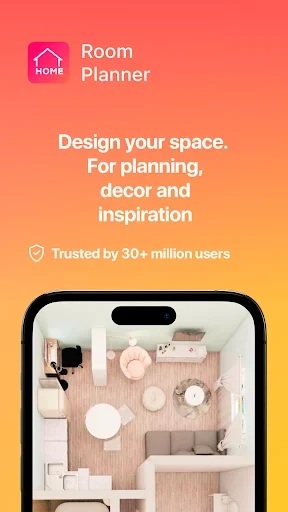
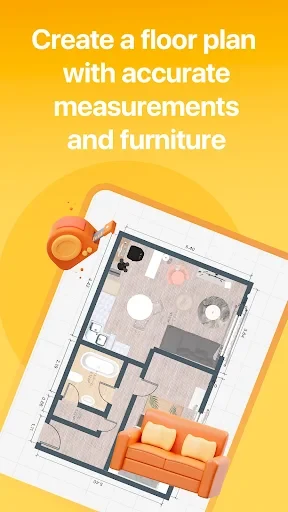
Room Planner APK is an interior design app for creating and visualizing furnished rooms on an Android device. You can begin with a suggested room idea or build a layout from scratch, then arrange furniture, decorations, carpets, wallpaper, and other interior elements. Designs can be viewed in 2D or 3D, giving you different ways to review the planned appearance of a space.
Room layouts and decoration
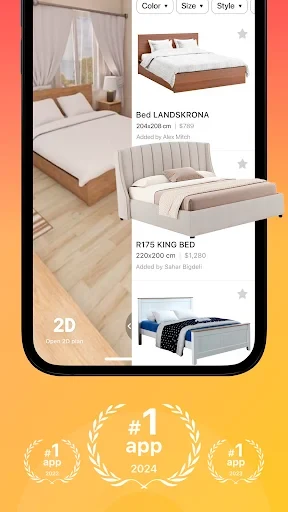
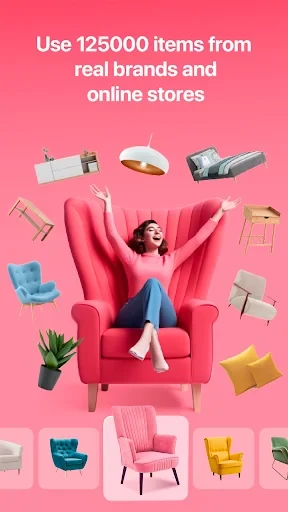
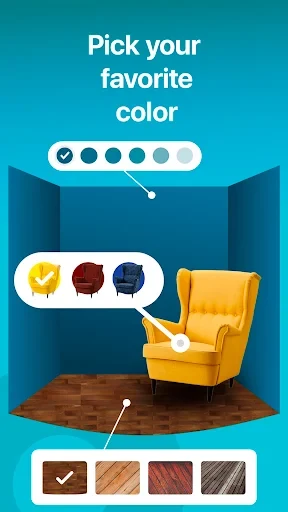
The app lets you adjust a room according to your own design preferences. Its catalog includes furniture, beds, lamps, bonsai, carpets, wallpaper, and decorative objects in different styles, shapes, colors, and designs. You can change wall colors, select furnishing styles, and position products within the room to develop a coordinated interior.
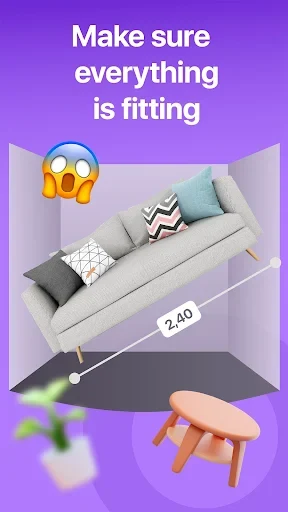
Room shapes and sizes can also be adjusted, and items can be added in different positions. This makes it possible to test several arrangements before settling on a layout. You can experiment with furniture placement and room proportions to compare compact or more open arrangements without changing the physical space.
Some rooms provide marked positions for decorations. These positions can vary by room, and the app displays object names to help identify the items that need to be placed. The basic workflow is to choose an object, select its preferred appearance, and place it in an available position.
Room settings and design environments
Room Planner includes different environments in which to develop a design, including a high-rise apartment, a seaside villa, and a mountain building. These settings provide starting points for different types of residential interiors. Suggested themes can also help you begin a project when you do not want to start with an empty room.
You can either follow an existing idea or work independently from a blank design. The catalog and theme options support different approaches, from trying a particular decorative style to repeatedly revising a room until the arrangement matches your preferences.
Furniture catalog and resources
The source describes a catalog containing 5,000 furniture pieces, along with products associated with interior design brands. Available items have different prices within the app, so the cost of selected furnishings matters when planning a design. The app also uses diamonds, keys, and cash as resources: earned diamonds can be used for premium items, while keys can be exchanged for additional challenges and some locked content can be opened through participation in design voting.
New decorations are described as being added regularly, giving the catalog additional styles to explore. The available collection includes both practical household objects and decorative pieces, allowing you to adjust more than one aspect of a room instead of relying on a single furniture type.
Visualization, images, and sharing
The app provides 2D and 3D perspectives for reviewing a room design. In 3D mode, you can examine the space from different angles and assess how the furniture, colors, and decorative elements work together. It also supports taking realistic photographs and exporting ideas as high-definition images.
Exported images can be shared with other people, including a spouse, roommate, or contractor, when you want feedback on a planned room. The sharing capability is also useful for presenting a design idea before making changes to a real interior. The source describes sharing designs as a way to collaborate and receive input from others.
Community voting and design interaction
Room Planner includes a user voting system centered on room designs. You can view other users' homes and vote for designs you consider outstanding. Your own rooms can also be presented to other users for feedback through this system.
Voting is connected to the app's resource system. The source states that receiving votes can provide diamonds for furniture purchases, while voting for other designs can help unlock locked content. This gives the community area a role beyond viewing examples, although the available resources and item costs may affect which furnishings you can select.
Online and offline use
The supplied description states that Room Planner can be used both online and offline. This allows room creation and design work without an active network connection, according to the source. Online functions such as sharing designs and participating in user voting may depend on access to the relevant community features.
Overall, Room Planner APK combines room planning, furniture selection, visual review, image export, and community interaction in one interior design workspace. Its tools are aimed at users who want to explore layouts and decoration ideas before sharing or developing a room concept.
Version history
View all14 Jul 2025 · stable
Frequently asked questions
Can I add furniture from my own images?
Yes. The source says you can add your own furniture by importing images, or choose items from the app's furniture library.
Can I work on more than one room?
Yes. Room Planner supports designing multiple rooms, allowing you to create layouts for different parts of a home.