
Screenshots
About this app
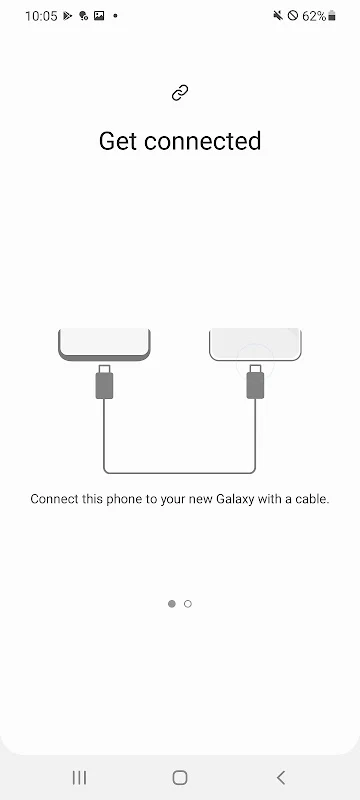
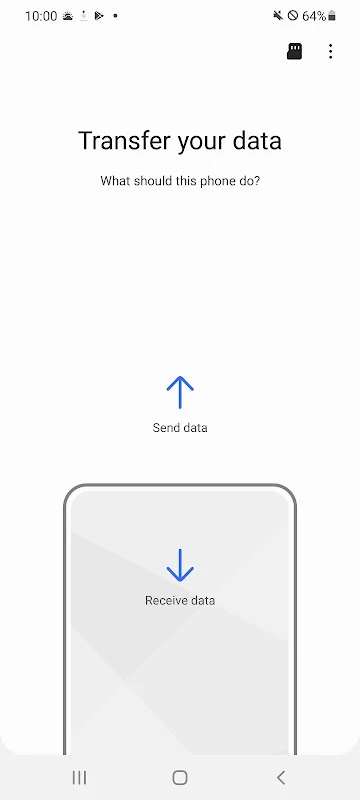
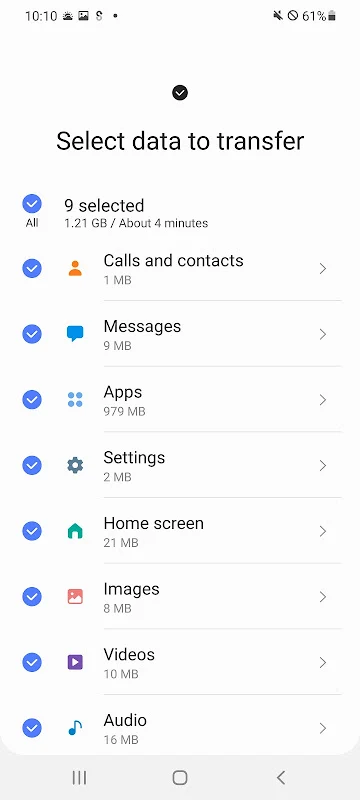
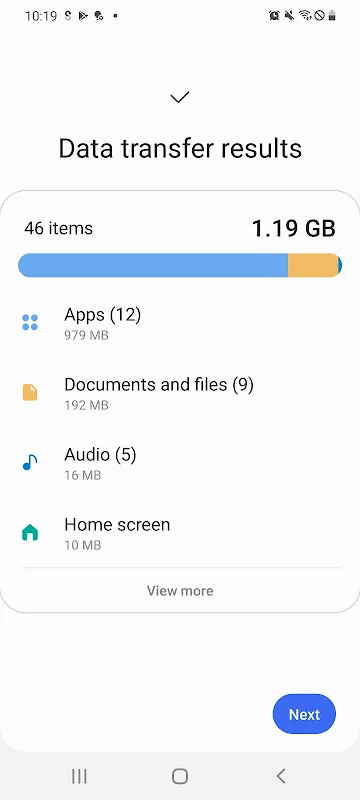
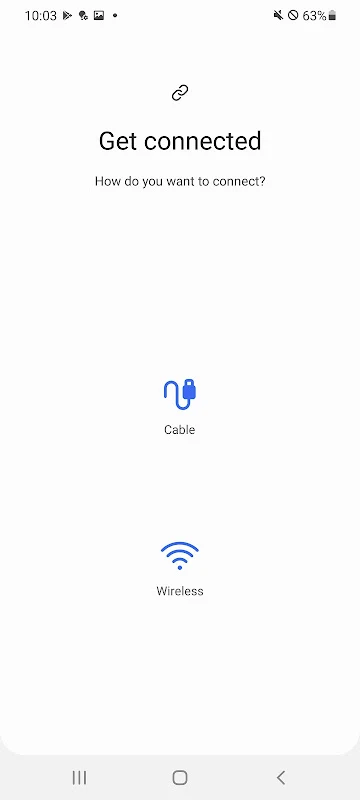
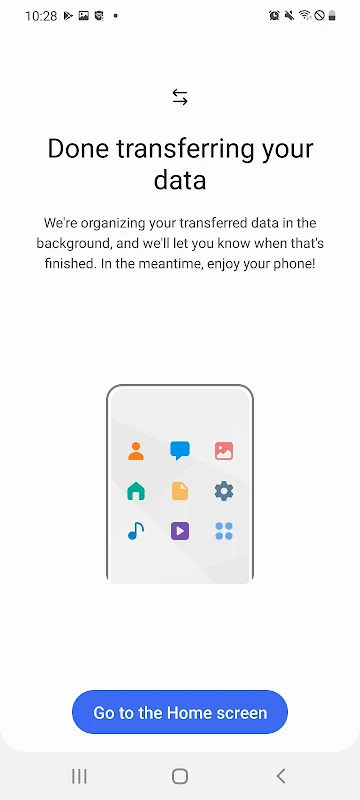
Samsung Smart Switch Mobile apk helps people move information to a new Galaxy phone or tablet and back up data from a Galaxy device. It supports transfers from Android and iOS sources, with options for selecting data and choosing a transfer method. The app can handle everyday items such as contacts, messages, photos, and music, as well as other device information.
Data to transfer or back up
The listed transfer categories include contacts, calendar entries, text messages, photos, music, videos, call logs, memos, alarms, Wi-Fi settings, wallpapers, documents, and app data. The source description also says the app can transfer Galaxy custom settings. The available categories can depend on the devices involved, and some functions are limited to particular Galaxy models.
For someone moving to a Galaxy device, the selection of information makes it possible to bring over more than personal media and contact details. The app can also help preserve certain settings, while its backup function is described as a way to save important information from a Galaxy device. The source does not specify a universal transfer result for every data type or device combination.
Transfer options for Android and iOS
For Android-to-Galaxy transfers, the description lists support for Android 5.0 or later. It says users can choose which data to move and transfer over a wireless network or through a direct connection. It also notes that connectivity with non-Samsung devices may require adjusting Wi-Fi settings.
For iOS sources, the described options include a wired transfer using an iOS device cable and a USB connector, importing information from iCloud, or using iTunes on a PC or Mac. The stated iOS version requirements vary by method: the wired option is listed for iOS 5.0 or later, while iCloud import is listed for iOS 4.2.1 or later and requires an Apple ID. These are distinct routes for bringing information from an iOS device into the Galaxy transfer process.
Galaxy-specific settings and app discovery
Some transfer features are described as Galaxy-specific. Moving home-screen layouts and app data is limited, according to the source, to Galaxy devices upgraded to the M OS, with Galaxy S6 and newer models named. The app is also described as suggesting similar applications and directing users to find them on Google Play, which can help locate alternatives to apps used on a previous device.
Space and permissions
The source states that both devices need at least 500 MB of free space to begin a transfer. It also lists permissions for contacts, SMS, call logs, and storage as necessary for the app's transfer functions. Together, these requirements relate to selecting and moving device information; available transfer features can still vary by source and destination device.
Version history
View all12 Aug 2025 · stable