
Screenshots
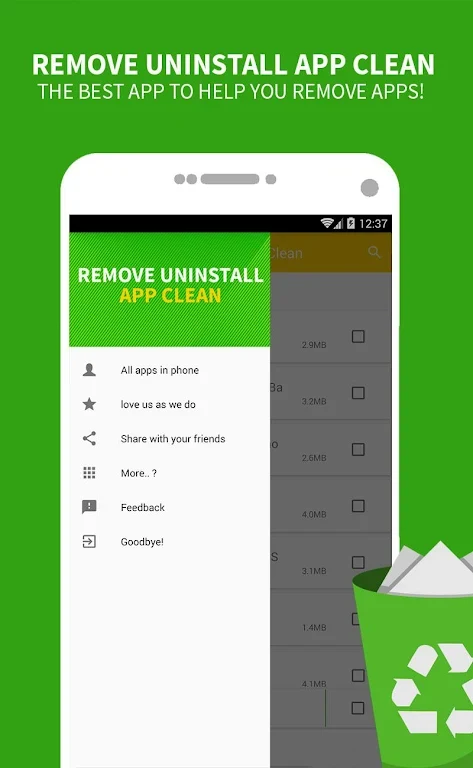
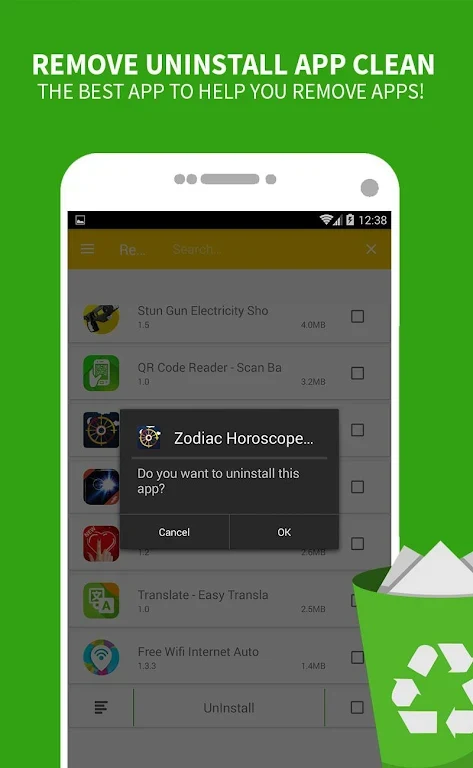
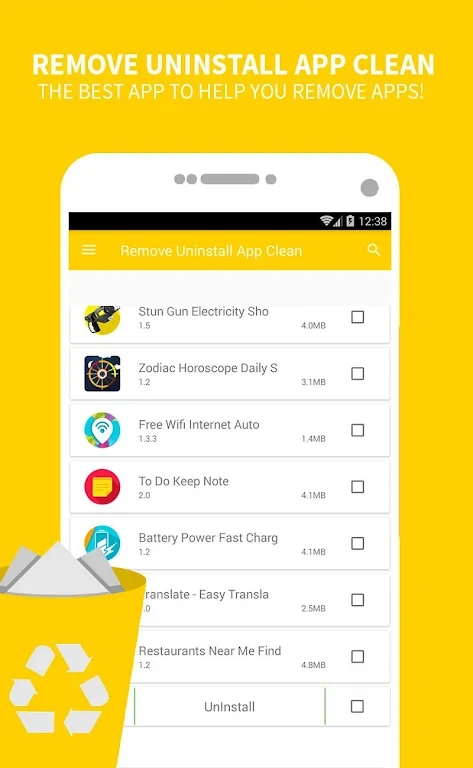
About this app
Uninstaller is an Android tool for managing installed apps and removing ones you no longer need. It gathers apps in a list and provides name search and sorting by size or installation date, helping you find items to review. Tap an app to uninstall it individually, or long-press to select several for batch removal. The app also offers a scan for residual files associated with uninstalled apps. Its main purpose is to simplify app cleanup and help free device storage, with app details and selection controls available before removal.
How can you find and select apps to remove?
After opening Uninstaller, wait for the application list to load. Search by app name or sort the list by size or installation date to bring relevant entries into view. Each listing can show the app name, version, size, and installation time. An SD card icon marks apps that have been moved to an SD card, and the app filters out system apps that cannot be uninstalled.
Tap an app to start an individual uninstall, or long-press to mark multiple apps for batch removal. For a batch selection, Uninstaller shows the number of apps marked and the total size of the data to be deleted. Confirm the prompts and follow the on-screen progress indicators as the uninstallations complete.
What happens after an app is uninstalled?
Uninstaller includes a residual-file scan that looks for files and folders associated with apps that have already been removed. Its quick-uninstall tool is described as removing unwanted apps and their residual, junk, and hidden files; the separate scan helps locate leftover items for cleanup. After uninstalling apps, the source also suggests checking Settings > Storage if you want to clear the device cache.
What do Fast Launch Mode and app rankings do?
Fast Launch Mode is described as optimizing app loading speed when enabled. When it is off, you can view the full size of files deleted from the device. The app also has ranking options covering the top 10 by number of apps, latest release, release date, and brand.
Who may find this app useful?
Uninstaller may suit Android users who want to review installed apps, compare their sizes or installation dates, and remove one or several at a time. The search, app details, SD card indicator, and batch-selection totals support that cleanup process. The listing describes the app as small, ad-free, quick to start, and low in power consumption; these are stated characteristics, not a measure of how much storage a particular user will recover.
Version history
View all02 Jun 2026 · stable