
Screenshots
About this app
Overview
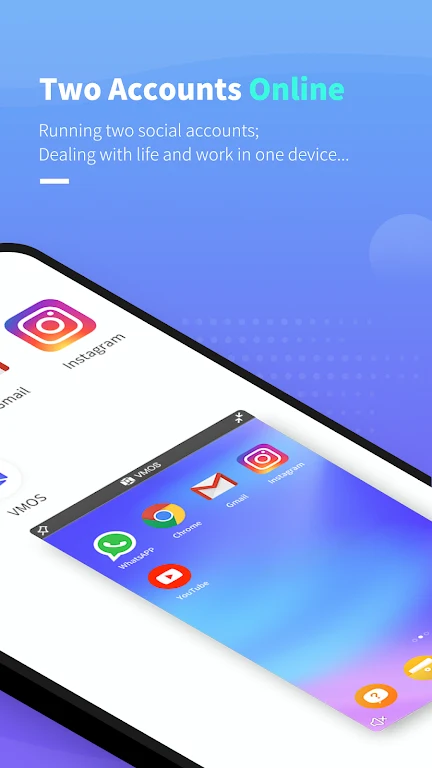
VMOS Lite - one phone, two system lets one Android device run two separate Android systems. Its dual-system approach can help users keep work and personal activity apart, or use a virtual environment to explore different settings and customization options. The app is presented as a lighter version of VMOS, with a focus on easier navigation and reduced space requirements. Users can switch between the systems and adjust available controls to suit their needs. Unlike the full version of VMOS, VMOS Lite does not include a root option, which keeps that advanced function outside the app.
What You Can Do
⭐ Run two Android systems on one phone and switch between the main system and the virtual system when needed.
⭐ Separate work and personal use by keeping activities in different Android environments on the same device.
⭐ Explore customization options in the virtual system, including the ability to adjust supported system settings and operations.
⭐ Use the app without a root option. This distinguishes VMOS Lite from the full version of VMOS and may make the available setup more approachable for beginners.
⭐ Manage a lighter virtual operating system that is designed to take up less space than the original app.
⭐ Navigate the dual-system tools through a user-focused interface and use the app without an additional charge.
Using the App
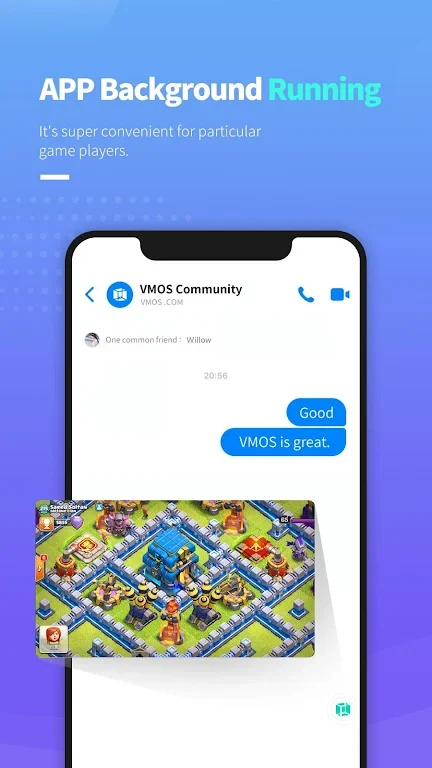
Everyday use centers on moving between the phone's regular Android system and the virtual one. Within the virtual system, the multitasking feature can be used to close apps that are no longer needed, which may help conserve battery and support smoother use. The source also indicates that VMOS Lite may provide settings for resolution, CPU usage, and memory allocation. Where these controls are available, users can try different configurations to find a suitable balance for their device and usage. Keeping unused virtual apps closed is another practical part of managing the environment.
Why It May Appeal
✅ Two Android systems on one device can be useful for people who want a clearer separation between work and personal activity.
✅ The lighter design may be preferable for users who want a virtual operating system with lower space demands than the original VMOS app.
✅ The absence of a root option makes the app's feature set more focused than the full version.
✅ The app is available free of charge, so its dual-system functionality does not require an additional purchase according to the supplied information.
Things to Consider
❎ VMOS Lite does not provide the root option available in the full version of VMOS, so it may not suit users specifically looking for that capability.
❎ Virtual-system performance and battery use can depend on how many apps are running and how the available system settings are configured. Closing unused apps and testing the available settings may be necessary for a suitable setup.
Version history
View all14 Oct 2024 · stable
Frequently asked questions
What is VMOS Lite - one phone, two system?
It is an Android app that provides two Android systems on one device, including a virtual system that users can switch to from the main system.
Does VMOS Lite include root access?
No. The supplied information states that VMOS Lite does not have the root option included in the full version of VMOS.
Can VMOS Lite separate work and personal use?
Its dual-system functionality can be used to keep work and personal activities in separate Android environments on one phone.
Is VMOS Lite free to use?
The supplied information describes VMOS Lite as free to use.