
Screenshots


About this app
Overview
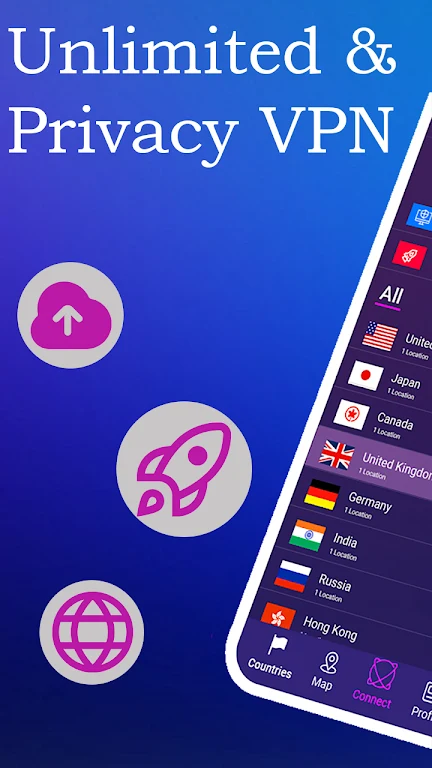
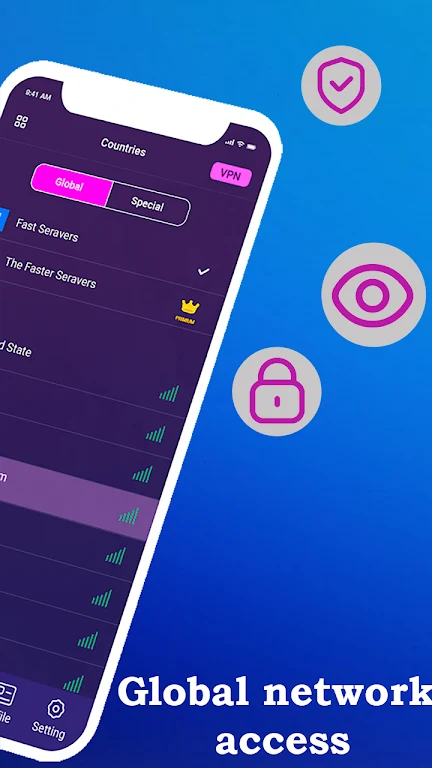
VPN Private service helps Android users create a VPN connection for browsing, gaming, streaming, and accessing content that may be restricted by location. The app provides a choice between automatic server selection and selecting a server in a specific country. Its stated features include fast and stable connections, a worldwide server network, and encryption for internet traffic. This makes it relevant for people who want more control over how they connect to online services, particularly when using public Wi-Fi or trying to reach websites and apps that are unavailable from their current region.
What You Can Do
⭐ Connect through a VPN server to route your internet traffic through the service rather than using a direct connection. The source describes the app as encrypting internet traffic to help protect sensitive information from unwanted observation.
⭐ Use automatic server selection when you want the app to choose an available server intended to provide good speed and stability for your location. This can simplify setup when you do not need a particular country.
⭐ Choose a server in a specific country when access to region-specific content is important. Selecting a location can help users reach websites or apps that are affected by geographic restrictions, subject to the policies of those services.
⭐ Browse, stream, or play games through the VPN connection. The source presents the service as designed for stable use across these activities, although actual performance can vary with the network, server, and online service involved.
⭐ Use the VPN on public Wi-Fi networks. The app is presented as a way to add protection when browsing or handling sensitive activity on networks in public places.
Using the App
The basic workflow centers on choosing how the server should be selected. Automatic selection is intended for users who prefer a simpler connection process and want the app to identify an appropriate option. Alternatively, a country can be selected manually when location is more important than convenience. After connecting, users can browse or use supported apps through the VPN service. The source emphasizes an intuitive interface, but it does not provide detailed information about connection controls, protocol settings, or offline functionality.
Why It May Appeal
✅ Country-based server selection gives users a practical way to choose a connection location instead of relying only on an automatically selected server.
✅ The combination of automatic selection and a stated worldwide server network supports both straightforward setup and more deliberate location choices.
✅ Traffic encryption and public Wi-Fi use are specifically identified as privacy-related purposes, making the app relevant to users who want an additional layer when connecting away from home.
Things to Consider
❎ A VPN cannot guarantee that every website or app will be accessible, and the source does not identify which services are supported. Regional access can also depend on the policies of the destination service.
❎ Although the source describes the connection as fast and stable, VPN performance may vary according to the selected server, local network conditions, and the activity being performed.
Developer
VPN Private service is listed as being developed by In vino veritas.
Version history
View all12 Oct 2024 · stable
Frequently asked questions
Can VPN Private service select a server automatically?
Yes. The source describes an automatic server selection option intended to choose a server for speed and stability.
Can I choose a VPN server in a particular country?
Yes. Users can select a server in a specific country when they want a particular connection location.
Does the app support public Wi-Fi use?
The source recommends using the VPN on public Wi-Fi networks and describes traffic encryption as a way to help protect internet activity.