
Screenshots
About this app
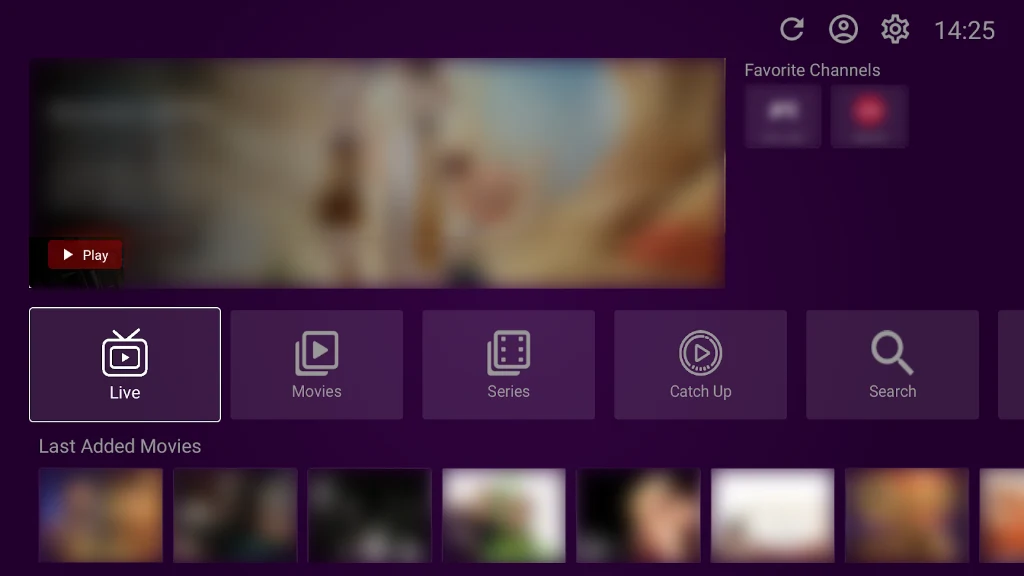
VU Player Pro is a video playback application that streams content from m3u URLs or playlists on Android devices. It addresses the need for uninterrupted viewing by reducing buffering during playback of movies, TV shows, and live channels. The app provides a simple interface for navigation and includes tools to view release dates, cast details, trailers, and ratings while allowing users to add items to favorites. It also supports external players such as MX and VLC, language and subtitle choices, and parental controls for managing access. Affordable activation plans are offered for the associated IPTV service that supplies playlists containing over 40,000 live channels and over 100,000 on-demand videos.
How does streaming work in VU Player Pro?
The app connects to m3u playlists for fast playback with reduced buffering. Users select content and can switch between supported external players like MX or VLC to maintain smooth performance. The service behind the playlists uses industry-standard encryption to secure the connection during streaming.
What content details and controls are available?
Viewers can display movie and TV show release dates, descriptions, cast information, trailers, and ratings directly in the interface. Language and subtitle options can be chosen per title. Items can be added to a favorites list for quicker access later, and parental controls allow restriction of certain content.
Which devices receive support for playback?
VU Player Pro works on Android phones, tablets, Android TVs, Android TV sticks, and Android TV boxes while handling all screen resolutions on those platforms. The associated playlists are also described as compatible with Amazon Firestick, smart TVs from Samsung and LG, iOS, and Windows PCs.
How is the service activated and maintained?
Users download the APK, enable unknown sources in device settings, install the file, and launch the app. Subscription credentials are then entered to activate the IPTV playlists. A support team is stated to be available around the clock for assistance with the service.
Version history
View all02 Jun 2026 · stable